
Suspending and deleting a workspace
In short
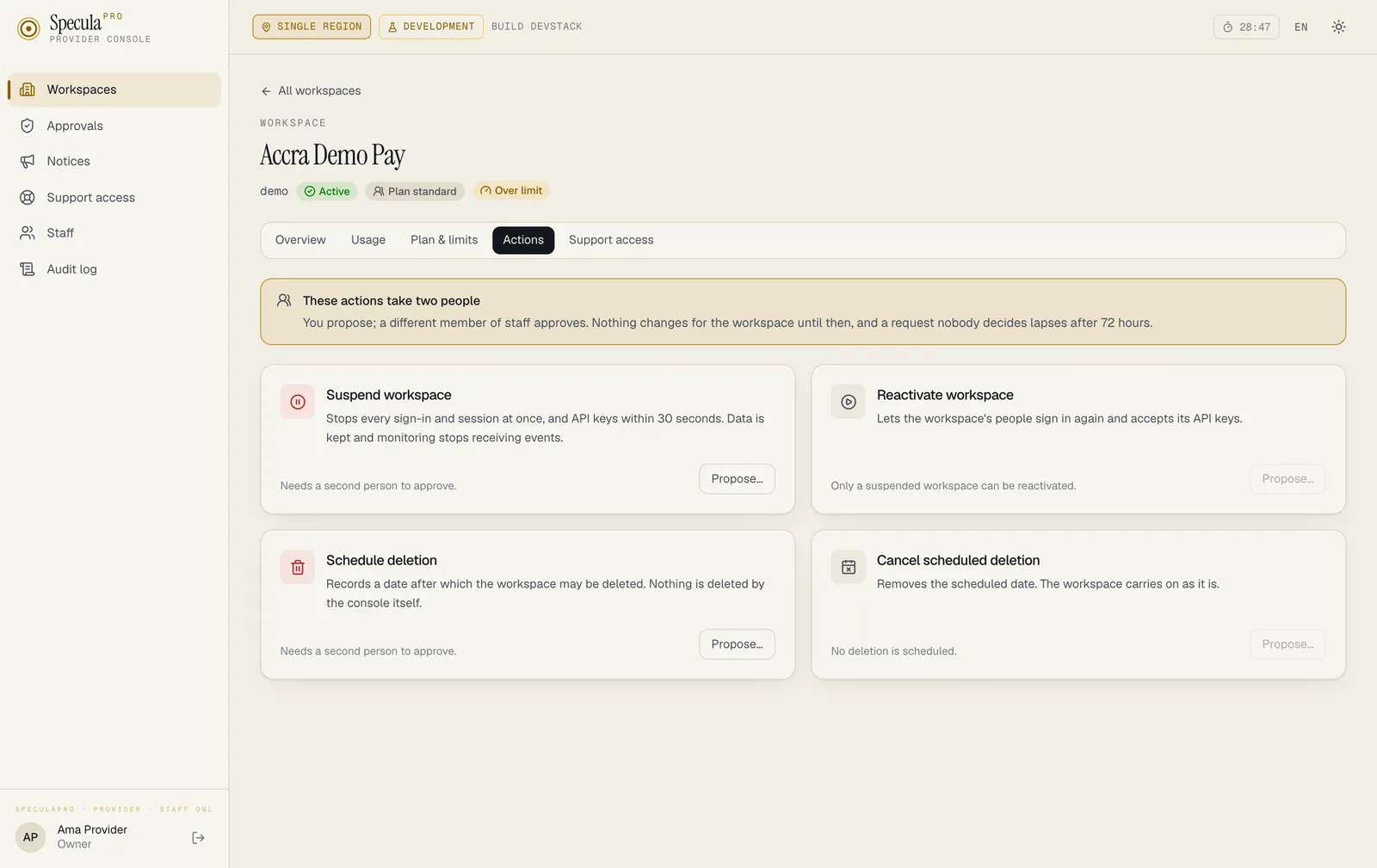
Section titled “In short”Four things can be done to a workspace’s access from the console: suspend it, reactivate it, schedule its deletion, and cancel a scheduled deletion. None of them is done by one person. One member of staff proposes, giving a reason; a different one approves; only the approval changes anything.
Suspending stops access and keeps every piece of data. Deleting is permanent, is scheduled at least 30 days ahead, and only runs when a list of conditions still holds on the day.
Dual control
Section titled “Dual control”| Step | Who | What changes |
|---|---|---|
| Propose | Someone with changes.request (Owner, Operations) |
Nothing. A request waits under Approvals |
| Approve | Someone else with changes.approve (Owner, Operations) |
The change is applied in the same step |
| Reject | Someone else with changes.approve |
The request is closed; nothing changes |
| Withdraw | Whoever proposed it | The request is closed; nothing changes |
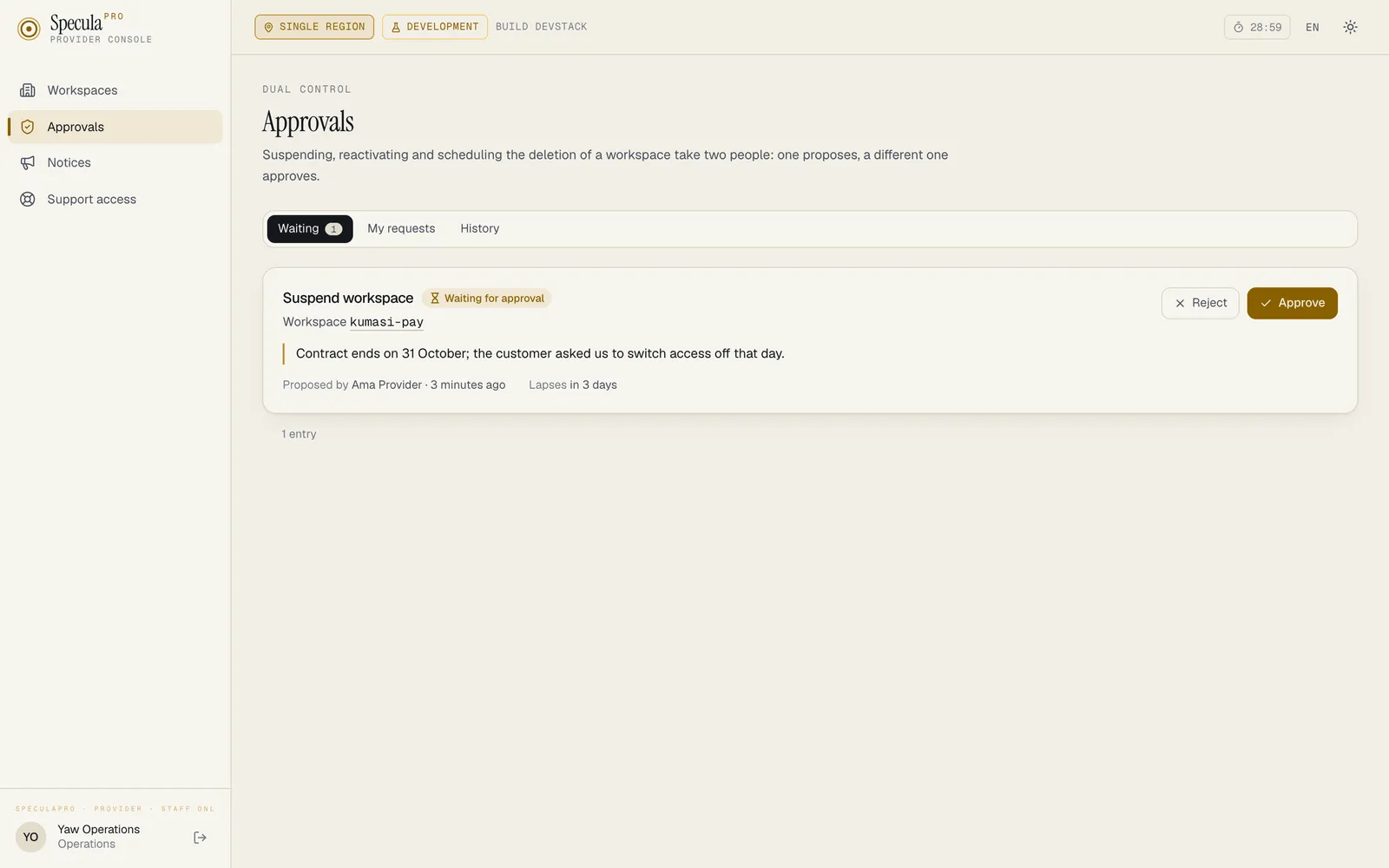
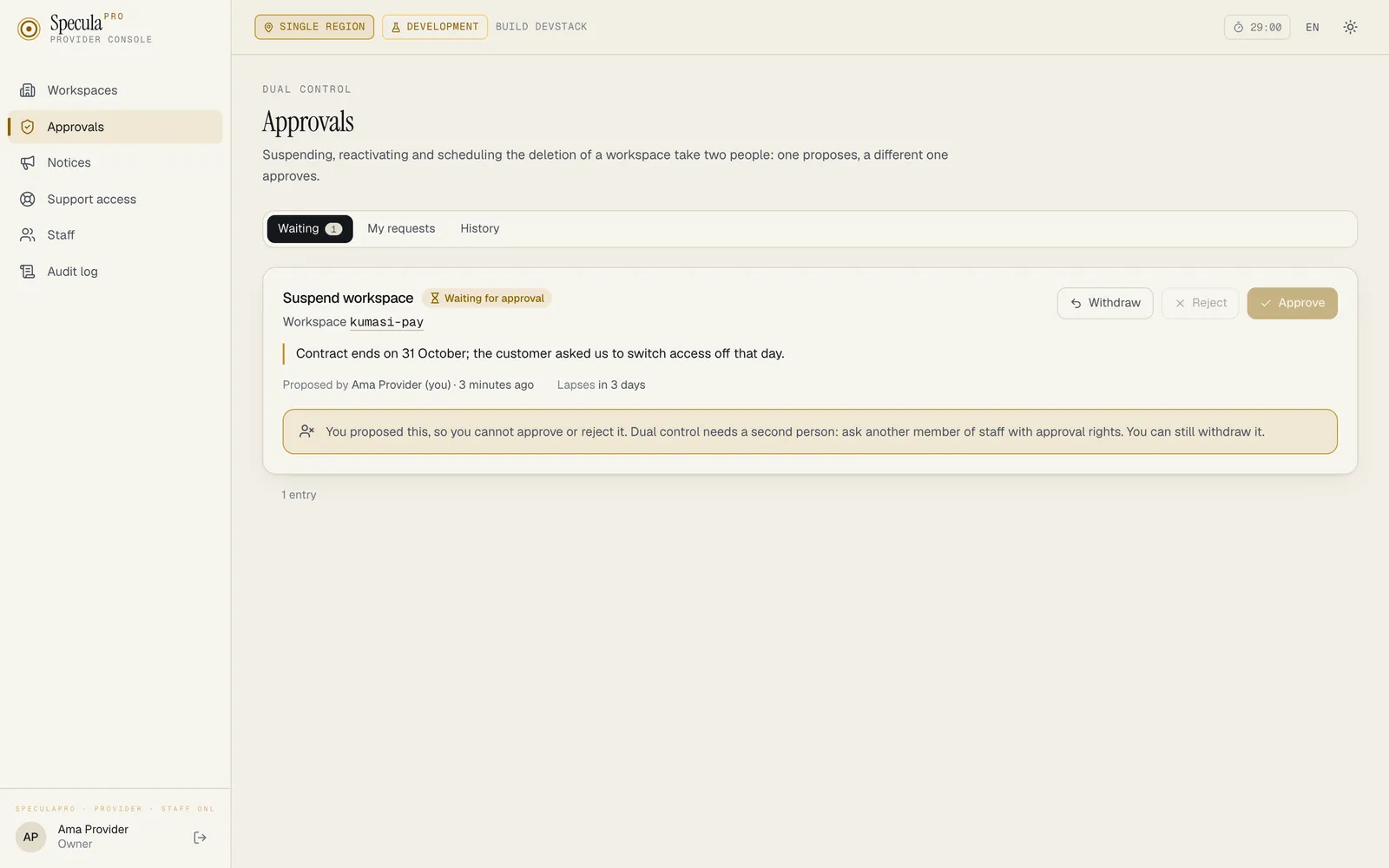
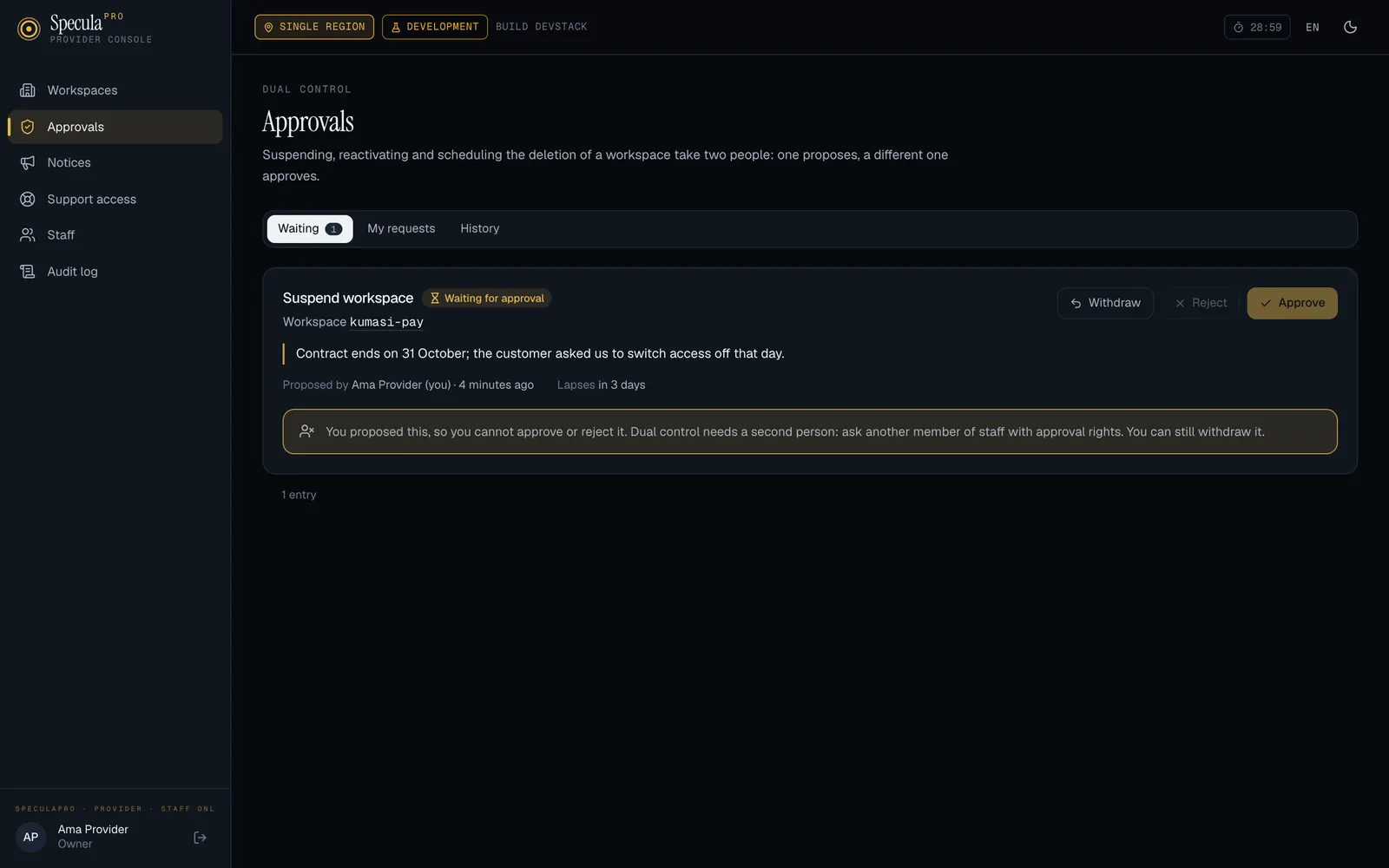
- Nobody approves or rejects their own request, whatever their role. The console says: You
proposed this, so you cannot approve or reject it. The API answers
403, and the database refuses it as well. - A request nobody decides lapses after 72 hours.
- Only one request of a kind can wait for a workspace at a time: the same change is already waiting for approval for this workspace.
- The workspace’s state is checked when the request is proposed and again when it is approved, because up to three days can pass in between.
How to propose a change
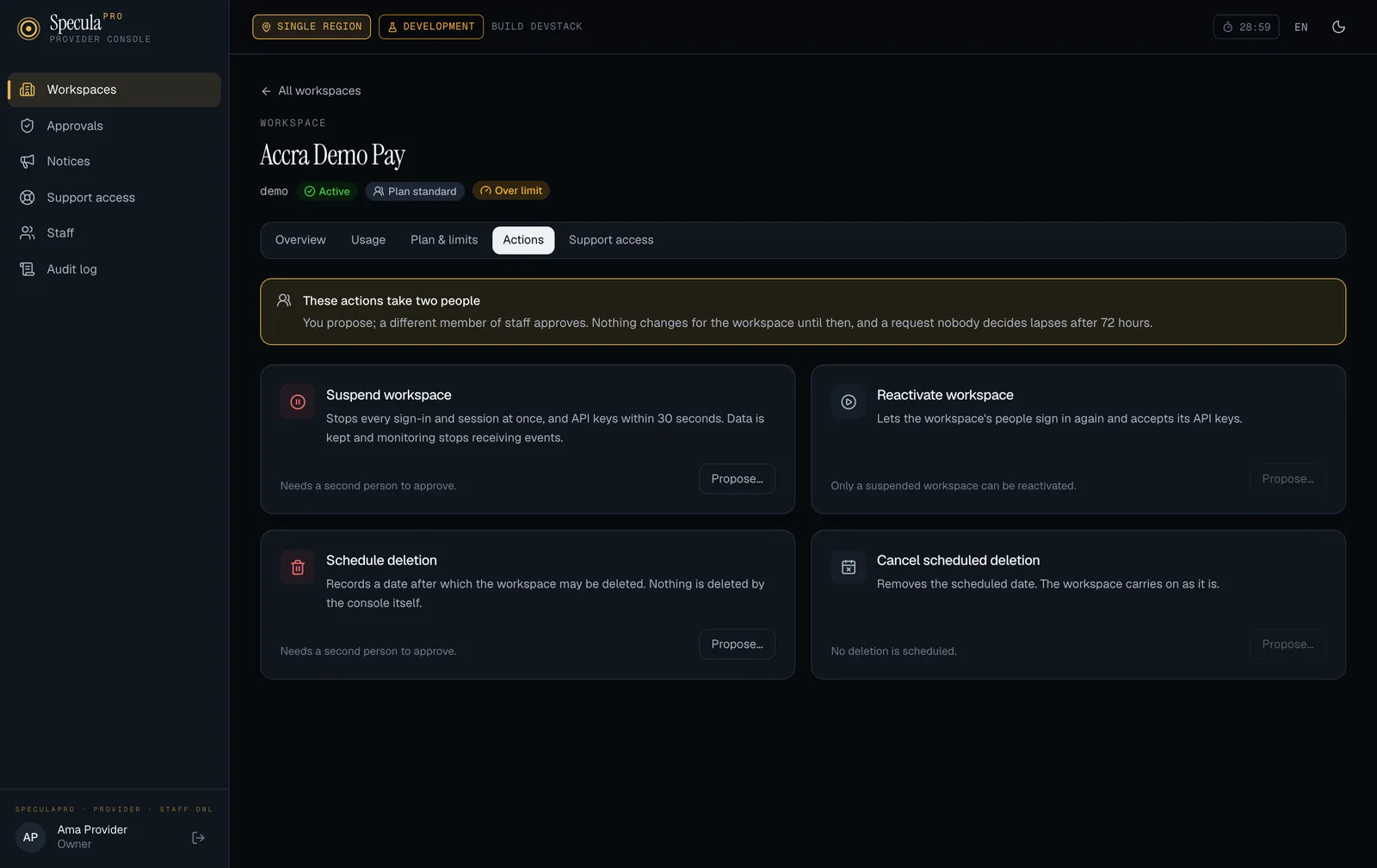
Section titled “How to propose a change”- Open the workspace and select the Actions tab.
- Next to the action, select Propose….
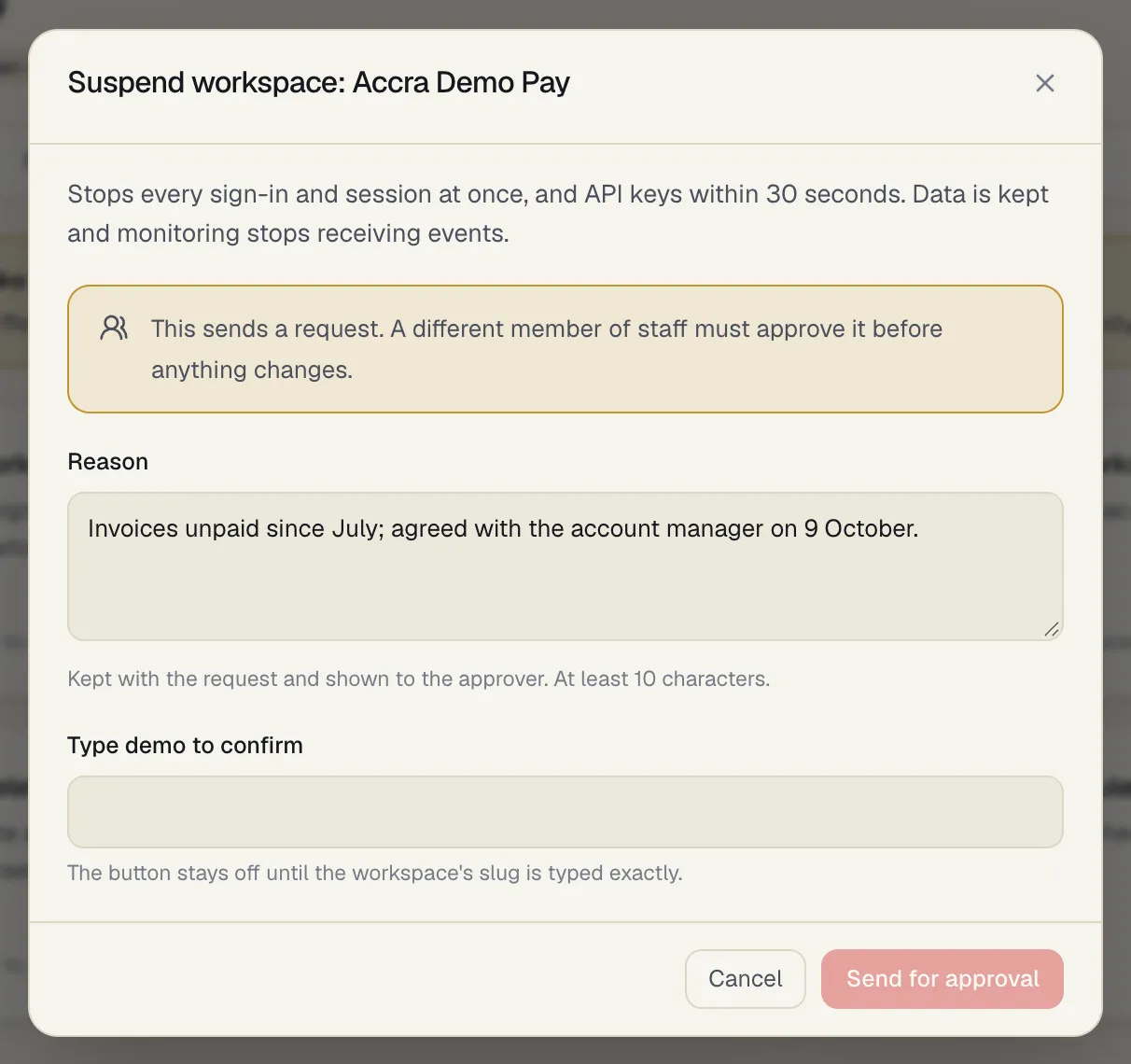
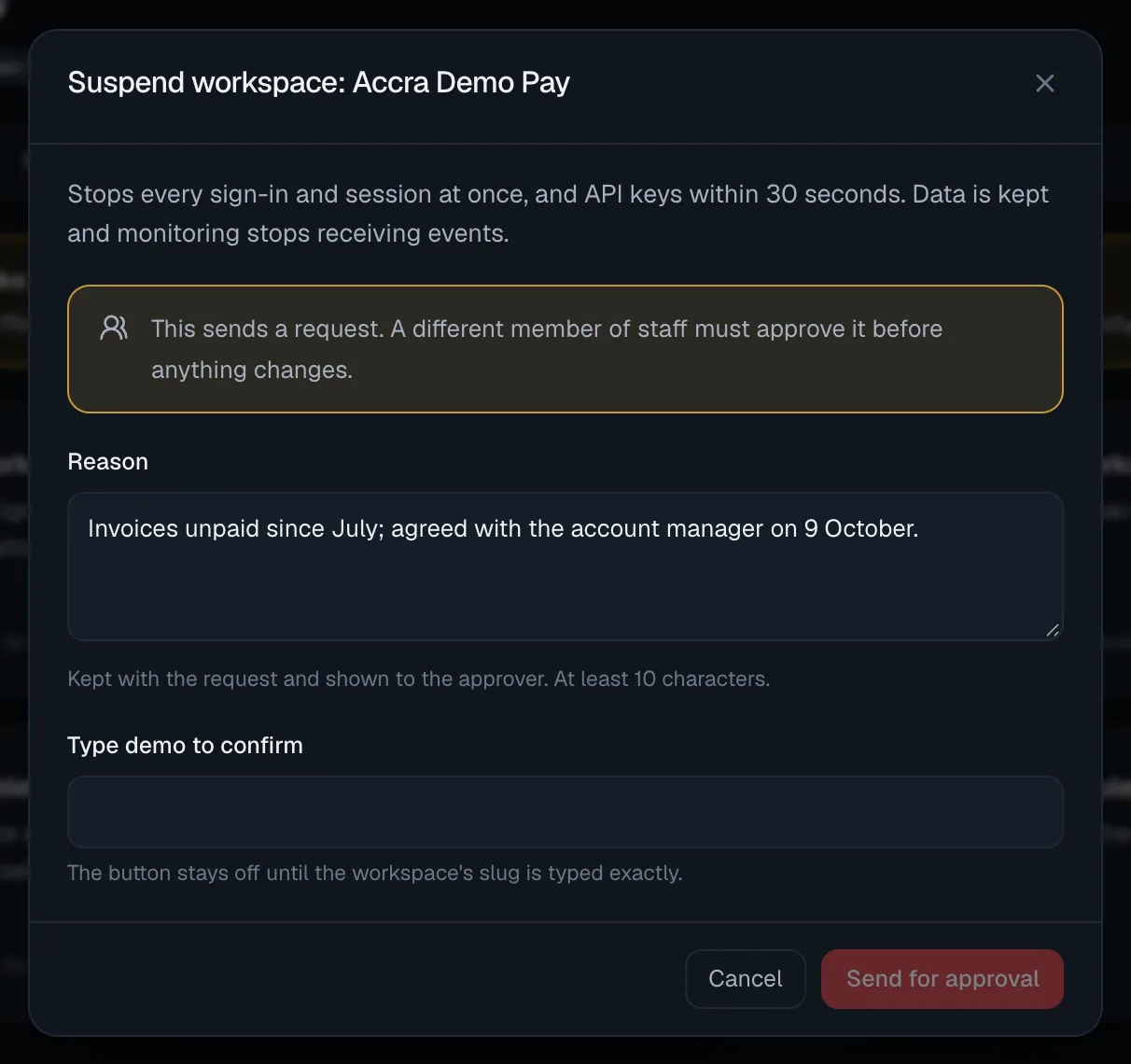
- Write the Reason, at least 10 characters. It is kept with the request and shown to the approver.
- For Schedule deletion, enter Days until deletion: between 30 and 3650, counted from the approval.
- For Suspend workspace and Schedule deletion, type the workspace’s slug to confirm.
- Select Send for approval.
How to approve or reject
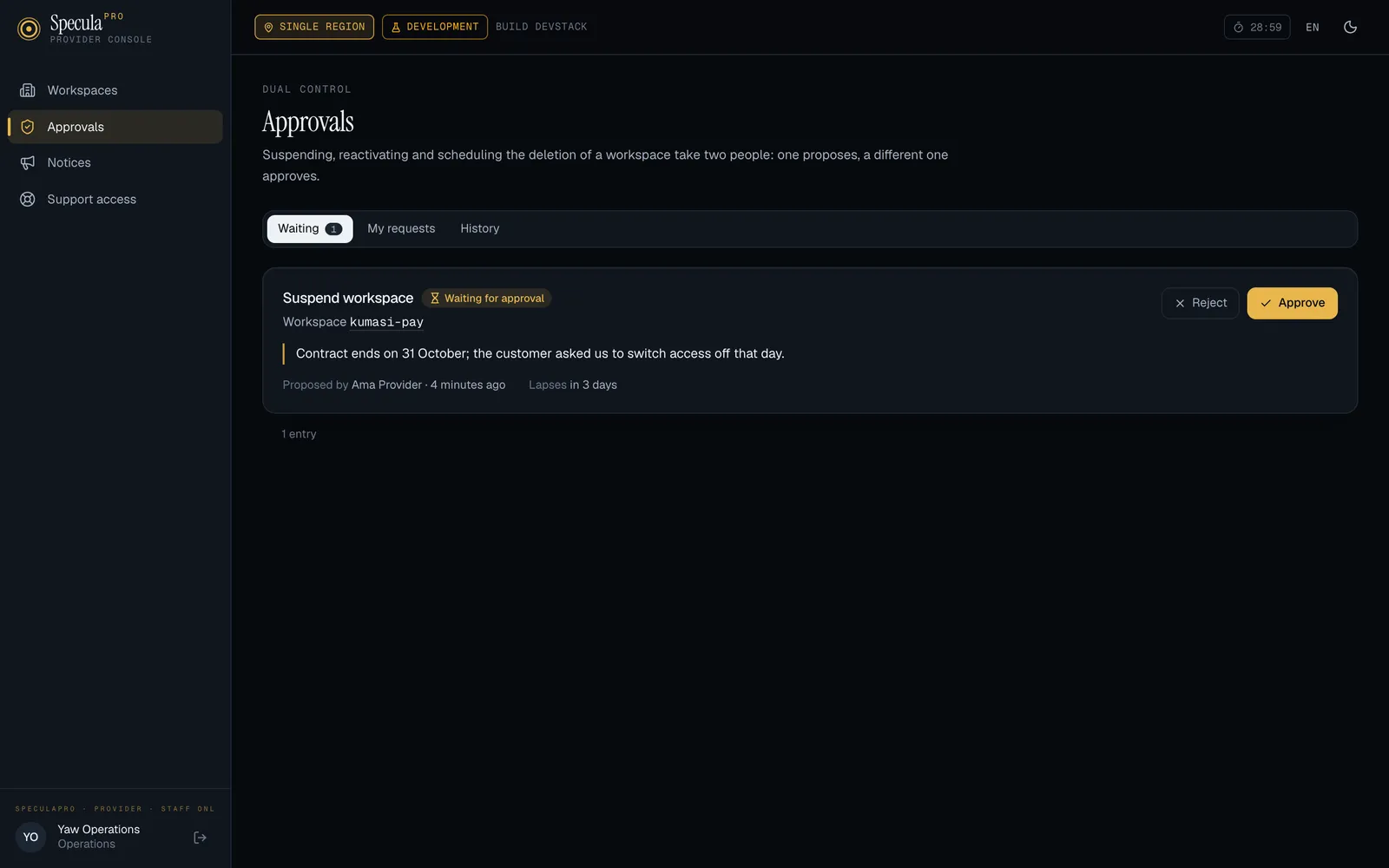
Section titled “How to approve or reject”- Open Approvals. The Waiting tab lists what needs a decision; My requests lists what you proposed; History lists what was decided.
- Read the reason and who proposed it.
- Select Approve or Reject, optionally with a Note for the record.
- To approve a suspension or a scheduled deletion, type the workspace’s slug to confirm; the button stays off until it is typed exactly.
Approving applies the change at once.
| Which actions are offered | When |
|---|---|
| Suspend workspace | The workspace is active |
| Reactivate workspace | The workspace is suspended |
| Schedule deletion | No deletion is scheduled, and the workspace isn’t closed |
| Cancel scheduled deletion | A deletion is scheduled |
A workspace that is being moved to another region can’t be suspended or reactivated from the console: the workspace is being moved to another region (or has moved); its status belongs to the move.
What suspension does
Section titled “What suspension does”A suspension takes effect the moment it is approved.
| For the workspace | What happens |
|---|---|
| People signed in | Every session ends at once |
| Signing in with a password | Refused. Someone who enters a correct password is told the workspace is suspended; anyone else sees the usual unknown-account answer |
| Signing in with single sign-on | The person goes to the identity provider as usual and, once it has vouched for them, is told the workspace is suspended |
| API keys | Refused within 5 seconds on every node. So ingest and real-time decisions stop being accepted. (The console’s own wording on the Actions tab still says within 30 seconds; the server’s bound is 5 seconds) |
| Open support sessions | End at the very next request; no new one can be opened or asked for |
| Background work | Notification and webhook sending, screening, backtests, model training, retention and housekeeping skip the workspace and keep its work for later |
| Data | Untouched. Nothing is deleted or changed |
The workspace’s own audit log records provider.workspace_suspended, naming the provider and the
member of staff whose approval applied it. The reason given is kept in the console and shown on the
workspace’s page there.
Reactivating lets the workspace’s people sign in again and accepts its API keys again. Sessions
that were ended are not restored: people sign in afresh. The work that waited is picked up. The
workspace’s audit log records provider.workspace_reactivated.
Scheduled deletion
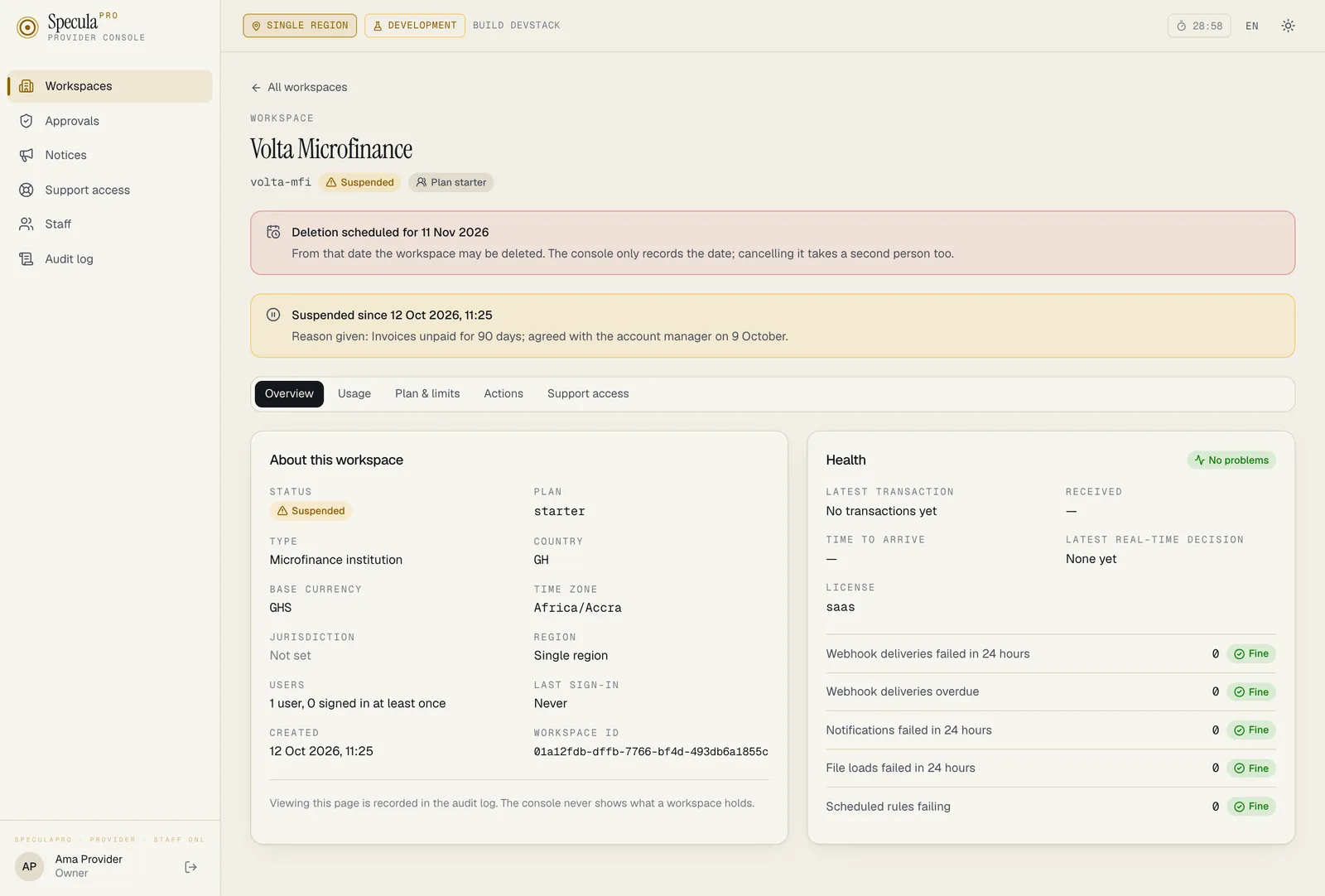
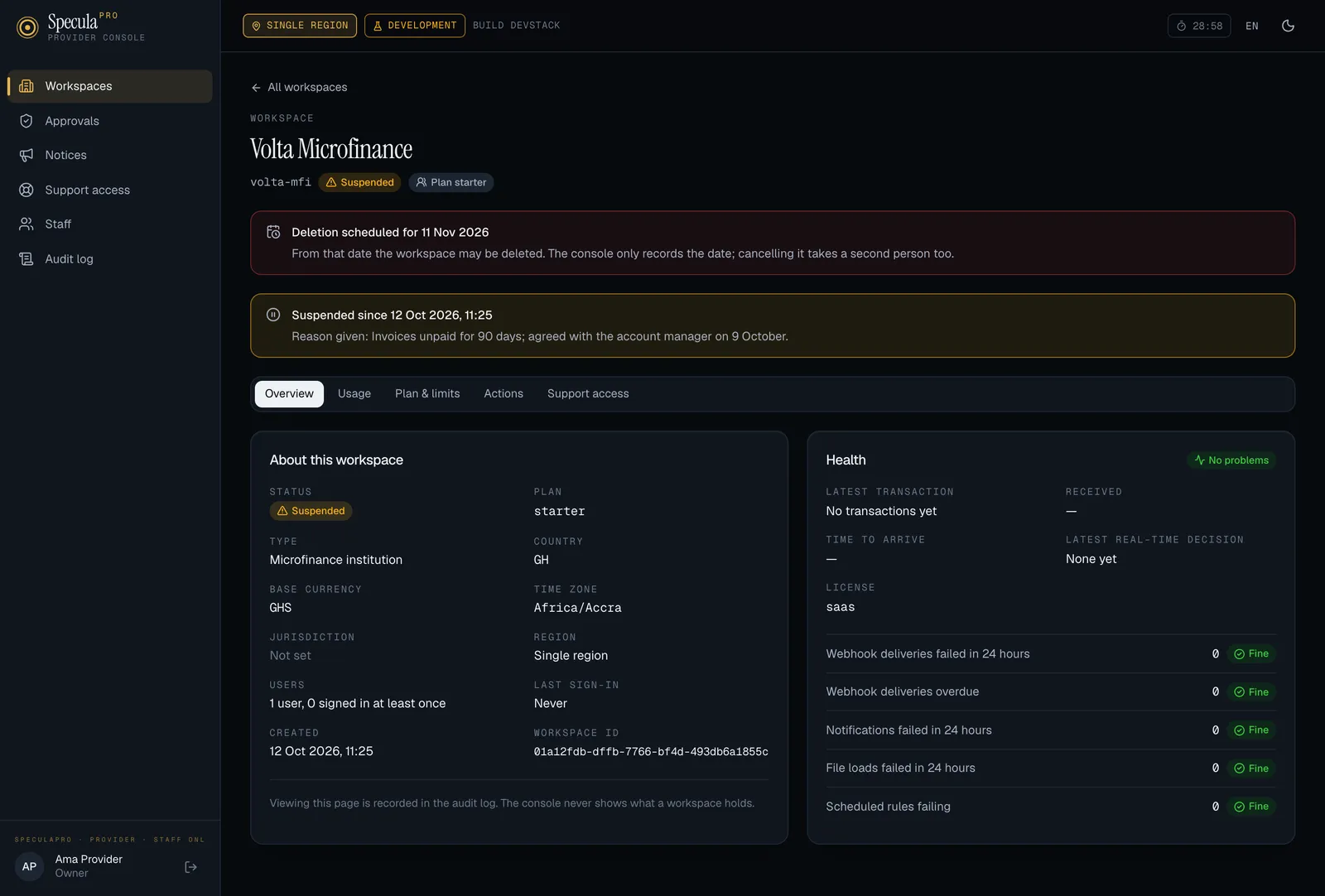
Section titled “Scheduled deletion”Approving Schedule deletion does one thing: it records a date, the number of days you gave
counted from the approval. The workspace’s audit log records provider.deletion_scheduled with
that date. Nothing is deleted by the console.
What happens when the date passes depends on a setting.
SP_PROVIDER_PURGE_ENABLED |
When the date has passed |
|---|---|
false (the default) |
Nothing is deleted. The workspace’s page says it is awaiting manual offboard, and an operator exports its reports and deletes it with speculapro tenant offboard |
true |
The worker deletes the workspace by itself, if every condition below still holds |
The conditions for an automatic deletion
Section titled “The conditions for an automatic deletion”The worker looks for due deletions every 10 minutes. It deletes a workspace only when all of these are true at that moment, checked again inside the database with the workspace locked:
- Deletion is still scheduled, and the date has passed.
- The workspace is suspended. Nothing is deleted while its people can still sign in.
- No legal hold is active in the workspace. Only the workspace’s own data protection officer releases a hold.
- The workspace is not being moved to another region, and has not been.
- An approval by two different members of staff, at least 30 days old, stands behind the date, and no approved cancellation followed it.
- If the workspace holds any regulatory reports, all of them were exported since it was
suspended, with
speculapro tenant offboard --export-only.
Condition 6 is the part that can’t be automated. The export contains decrypted reports that the institution must keep for its own retention period; a background job has nowhere safe to write them and nobody to hand them to. So the worker never exports. An operator runs:
speculapro tenant offboard --slug acme --out /secure/acme-export \ --operator "Ada Mensah" --export-onlyand hands the export to the institution. The worker recognises the audit entry that command writes, and checks that its report counts still match. A workspace with no reports needs no export.
Where a scheduled deletion stands
Section titled “Where a scheduled deletion stands”The workspace’s page says which of these applies.
| State | Meaning |
|---|---|
| Scheduled | The date has not passed |
| Awaiting manual offboard | The date has passed and this installation doesn’t delete by itself |
| Due | The date has passed and everything holds: the worker deletes it on its next run |
| Not suspended | Suspend it (two people), or cancel the deletion |
| Being moved | Nothing is deleted until the move is over |
| Legal hold | Nothing is deleted while the hold stands |
| No dual control | No approval by two people, at least 30 days old, stands behind the date. Cancel the deletion and schedule it again |
| Reports not exported | Run the export and hand it over; the workspace is deleted after that |
The gauge speculapro_provider_purge_waiting, by reason, counts workspaces whose date has passed
and that are not deleted (disabled when the setting is off). The Helm alert
SpeculaProWorkspaceDeletionWaiting (severity warning) fires when any has waited 24 hours.
What a deletion removes, and what is kept
Section titled “What a deletion removes, and what is kept”One transaction deletes the workspace and everything in it: its row, everything linked to it, and its rows in the large tables such as transactions and rule hits. Either all of it goes or none: an interrupted run leaves the workspace whole and the next run tries again. The workspace’s copy in the analytics store is deleted afterwards by the analytics role, and on a multi-region service its slug is released in the global directory.
What is kept:
- A tombstone: the workspace’s ID, slug and name, when it was deleted, when the deletion was approved and for what date, the request behind it, the two members of staff who proposed and approved it, and how many rows of each kind went with it. It is never changed and never deleted. The console lists tombstones under Deleted workspaces on the Workspaces page.
- The workspace’s audit log entries, as after an offboarding.
- The installation’s usage tallies, and the provider’s record of the workspace’s AI assistant usage: calls and tokens by month, model and key, under the workspace’s ID, with its requests for more AI calls and the calls added for it. Counts, dates, the notes exchanged and which member of staff answered; the ID of the person who asked is in the request’s row and is shown nowhere. After deletion these can be read only in the database.
- An entry
workspace.purgedin the console’s audit log, with what was deleted.
Cancelling a scheduled deletion also takes two people. Approving it removes the date, and the
workspace’s audit log records provider.deletion_cancelled.