
Breach register
In short
Section titled “In short”A personal data breach is any security incident that leads to personal data being lost, destroyed, changed, disclosed or accessed without authority: a stolen laptop, an email sent to the wrong person, an exposed export file, an account taken over. Most data protection laws require you to record every breach and to notify the authority, and sometimes the people affected, within a deadline that runs from the moment you became aware of it.
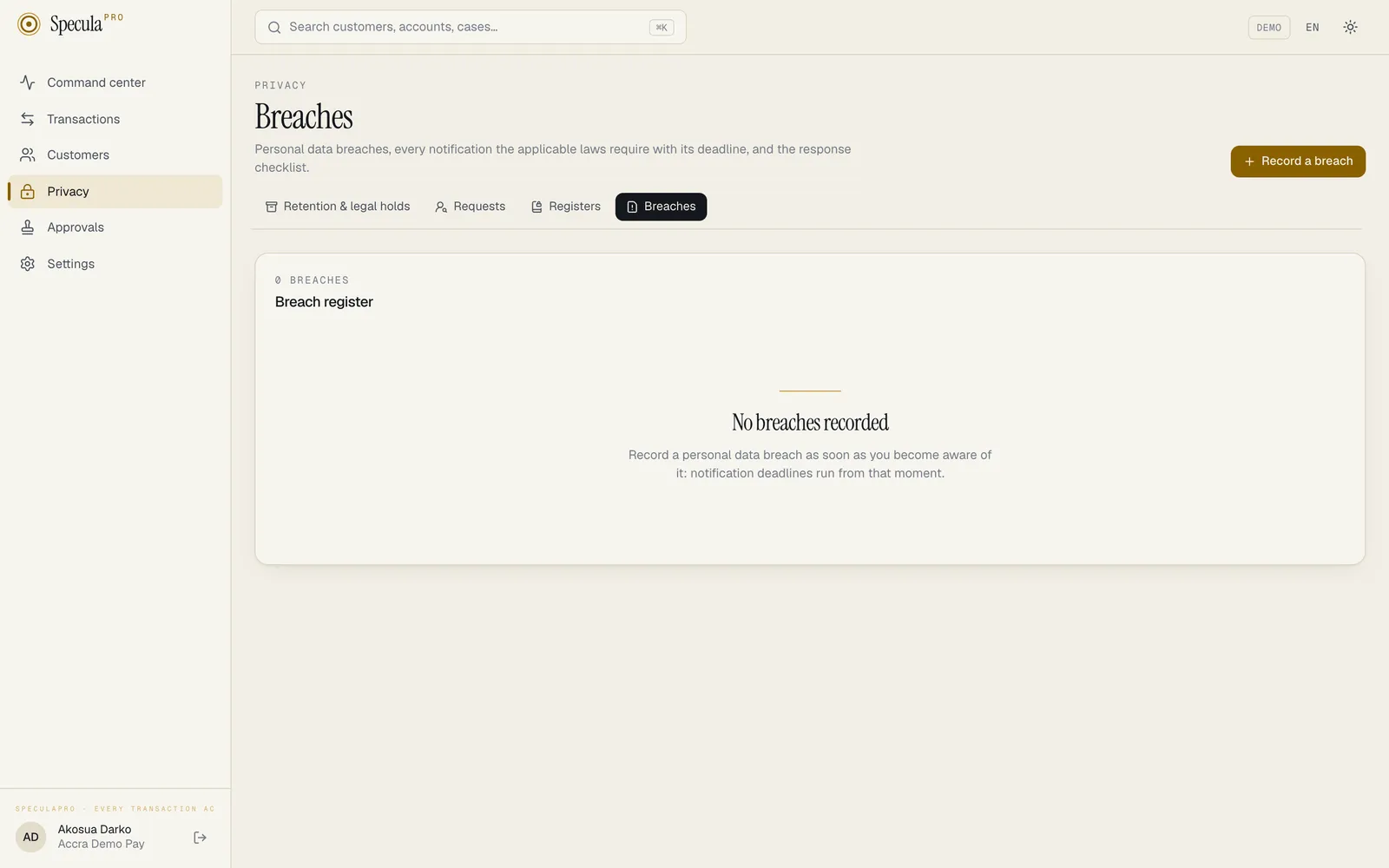
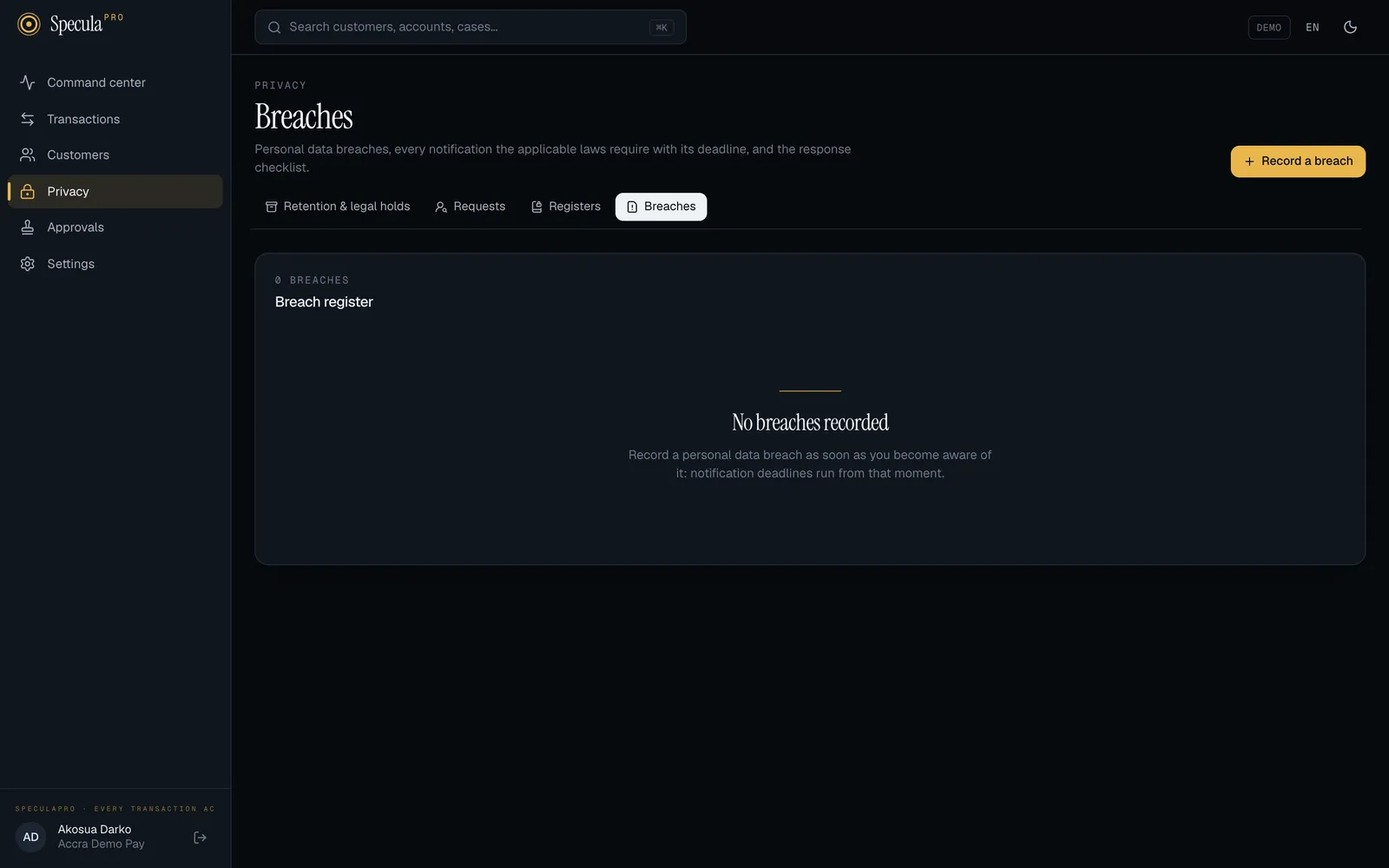
Privacy → Breaches is the register. For each breach SpeculaPro:
- lists every notification the applicable laws require, with its deadline;
- adds a response checklist;
- reminds the DPO before each deadline;
- produces a report for the regulator with the facts the laws ask for.
Reading the register needs privacy.view; recording and updating breaches needs privacy.manage
(the DPO).
Notification deadlines by law
Section titled “Notification deadlines by law”| Law | To the authority | To the people affected | Fixed hours? |
|---|---|---|---|
| Ghana (Act 843 s.31) | As soon as reasonably practicable after discovery | As soon as reasonably practicable (delayed if a security agency or the Commission says it would impede a criminal investigation) | No |
| Nigeria (NDPA s.40) | Within 72 hours, where the breach is likely to result in a risk | Immediately, where the risk is high | Yes |
| Kenya (DPA 2019 s.43) | Within 72 hours, where there is a real risk of harm | Within a reasonably practical period, unless the data was unintelligible (for example encrypted) | Yes |
| South Africa (POPIA s.22) | As soon as reasonably possible after discovery | As soon as reasonably possible | No |
| EU (GDPR Arts. 33-34) | Within 72 hours where feasible, unless unlikely to result in a risk | Without undue delay, where the risk is high | Yes |
| UK (UK GDPR Arts. 33-34) | Within 72 hours where feasible, unless unlikely to result in a risk | Without undue delay, where the risk is high | Yes |
| Côte d’Ivoire, Sénégal | No statutory duty; SpeculaPro records it and suggests a voluntary notice | No statutory duty | n/a |
| Any other country | Check the national law | n/a |
Deadlines run from when you became aware of the breach, not from when it happened.
The risk level decides what is required
Section titled “The risk level decides what is required”When you record a breach you choose the risk to people:
| Risk | Means | Effect |
|---|---|---|
| Unlikely to harm | For example encrypted data, quickly recovered | Notifications required only “unless unlikely to result in a risk” (Nigeria, Kenya, EU, UK) are marked Not required at this risk level |
| Risk | Could harm people’s rights and freedoms | Authority notifications are required where the law sets them |
| High risk | Likely serious harm | The people affected must be told too, where the law requires it |
Ghana and South Africa require notification whatever the risk. Every notification shows the rule as the law words it and its citation, so you can check the reasoning.
How to record a breach
Section titled “How to record a breach”Record it as soon as you become aware of it: the deadlines run from that moment. You need
privacy.manage.
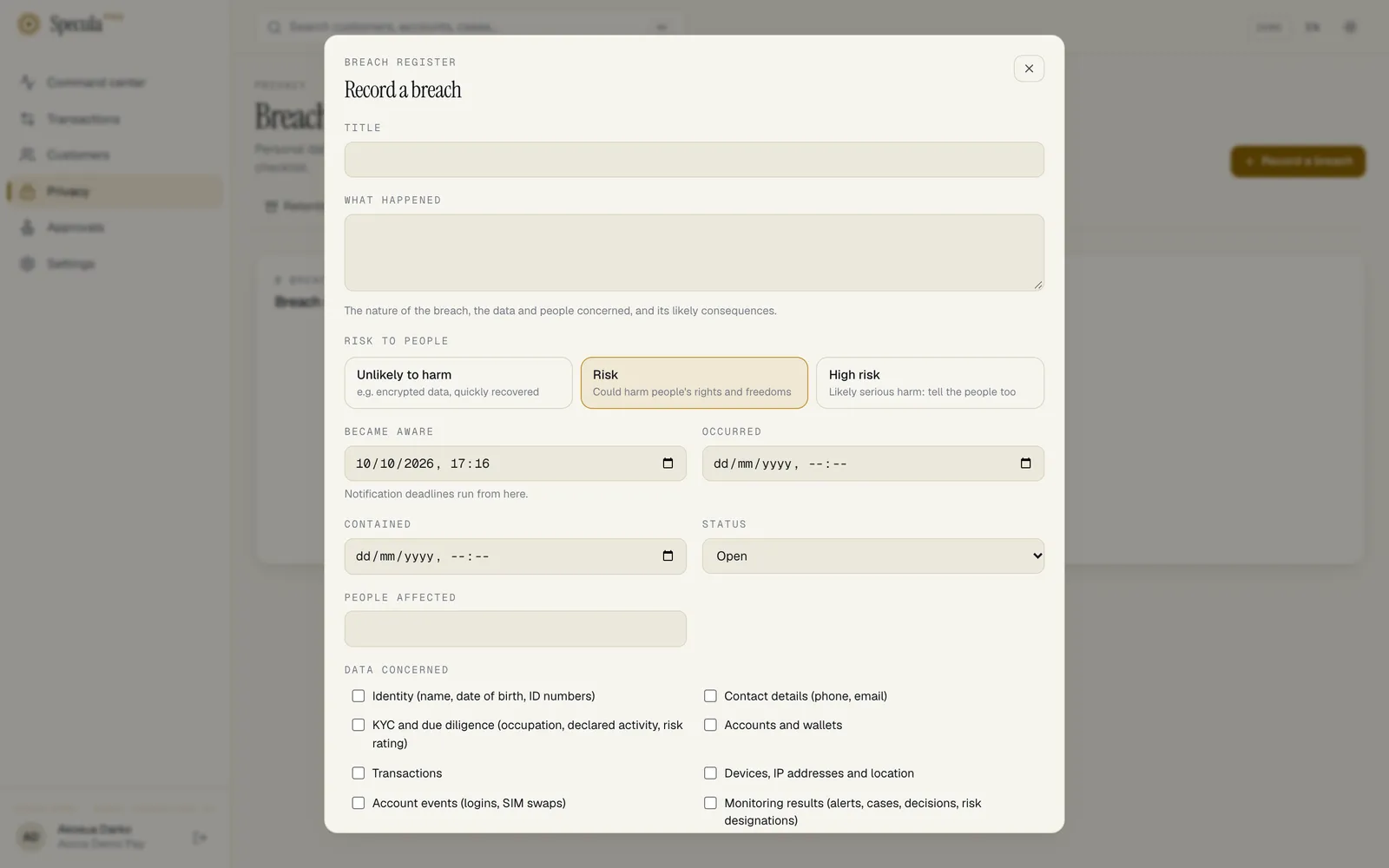
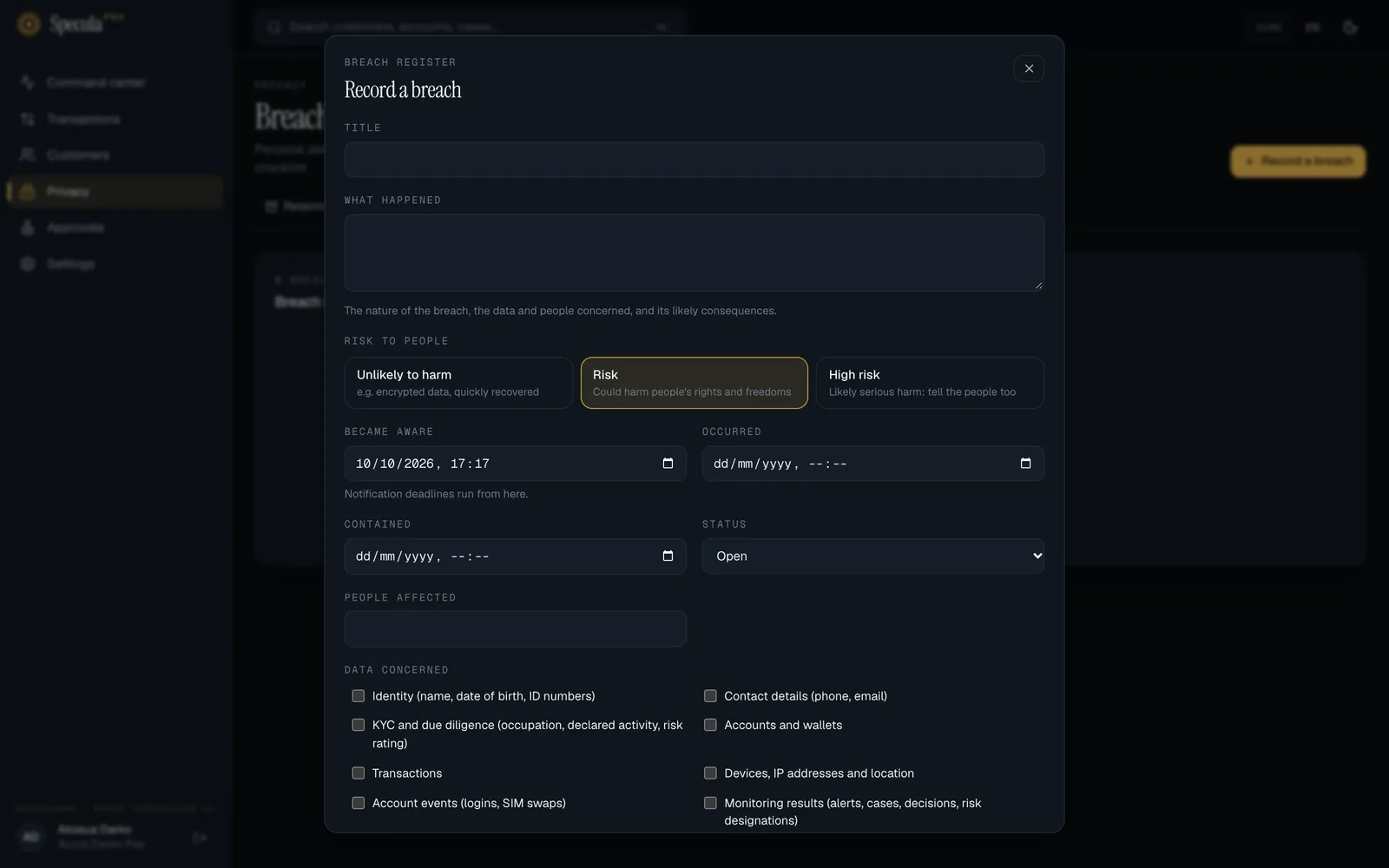
- Open Privacy → Breaches and select Record a breach.
- Give it a Title.
- Under What happened, describe the nature of the breach, the data and people concerned, and its likely consequences.
- Choose the Risk to people.
- Enter when you Became aware (the deadlines run from here) and, if known, when it Occurred and when it was Contained.
- Enter the number of People affected (an estimate is fine) and the Data concerned.
- Check the Laws that apply. They default to the workspace’s jurisdictions; each law adds its own notifications.
- Under Measures taken, record what was done to contain it and limit its effects.
- Select Save.
The breach gets a number such as BR-2026-0003. Everyone else with privacy.manage is notified at
once, with the first authority deadline.
The notifications
Section titled “The notifications”Each breach lists, per law, a notification to the data protection authority and one to the people affected, each marked Required or Not required at this risk level, with Due and the time, or No fixed deadline where the law says “as soon as reasonably possible”.
When you have sent one, select Mark as notified and record Notified at, the authority’s acknowledgement or case number under Reference, and an optional note. A notification marked as sent never changes again, even if you later change the breach.
The list of breaches shows each breach’s Next deadline and how many Notifications to send.
Within 24 hours of a fixed deadline that hasn’t been marked as sent, everyone with privacy.manage
receives a reminder.
The response checklist
Section titled “The response checklist”Each new breach gets six tasks:
- Contain the breach and preserve evidence
- Assess the risk to the people affected
- Notify the data protection authority (or record why not), due at the first authority deadline
- Notify the people affected where the risk requires it
- Record the facts, effects and remedial action
- Review controls so it doesn’t happen again
Tick each one as it is done. Add your own under New task, with an optional due date.
How to update a breach
Section titled “How to update a breach”As you learn more, select Update the breach and change the facts, the risk, the laws, the status (Open, Contained or Closed) or the measures. The notifications not yet sent are worked out again: raising the risk to High risk marks the notices to people as Required where the law asks for them, adding a law adds its notifications, and removing a law removes its unsent ones.
The time you became aware can only move earlier, never later: deadlines run from it, so it can’t be used to buy time.
When you move it earlier, the unsent notifications’ deadlines are worked out again from the new time, the breach and its regulator export show the new time, and the audit log keeps the time before and after. Say why you corrected it under What happened.
The export for the regulator
Section titled “The export for the regulator”Export for the regulator downloads BR-….zip with:
breach-report.txt: a readable report with the data controller, the DPO and your registration, the title, status and times, the approximate number of people affected, the data categories, the risk, what happened, the measures taken or proposed, and every notification with its rule, deadline and when it was sent;breach.json: the same, machine-readable.
These are the particulars the laws ask a notification to contain (for example GDPR Art. 33(3), NDPA s.40, Kenya DPA s.43). Check the authority’s own form; some want them in a portal.
What is recorded
Section titled “What is recorded”Breaches can never be deleted. Every step is in the audit log:
| Action | Audit log entry |
|---|---|
| Breach recorded | privacy.breach_create, with the number, title, laws, risk, discovery time and people affected |
| Breach updated | privacy.breach_update, with the status, risk, laws, people affected and discovery time before and after |
| Notification marked as sent | privacy.breach_notified, with the time and reference |
| Task added or ticked | privacy.breach_task_add, privacy.breach_task_done |
| Regulator export downloaded | privacy.breach_export |