
Escalation policies
In short
Section titled “In short”An escalation policy says where a kind of case goes. For the cases it applies to, it sets:
- the level the case opens at (level 1 analyst, level 2 senior, level 3 MLRO);
- the team whose queue the case joins at each level, and the time each level has;
- whether a missed deadline moves the case up a level by itself;
- whether closing the case always needs a second person.
A new case follows the first policy that fits it, decided once, when the case is opened. Without any policy, cases open at level 1 on the workspace’s case deadlines and are escalated by hand, exactly as before.
You manage policies under Settings → Escalation, in the Escalation policies panel. You need
the settings.manage permission (in the default roles, the Administrator). People with
settings.view, such as the Auditor, see the tab and can read it but not change it.
For the ideas behind levels and deadlines, see Escalation and SLAs. For the teams a policy sends cases to, see Teams.
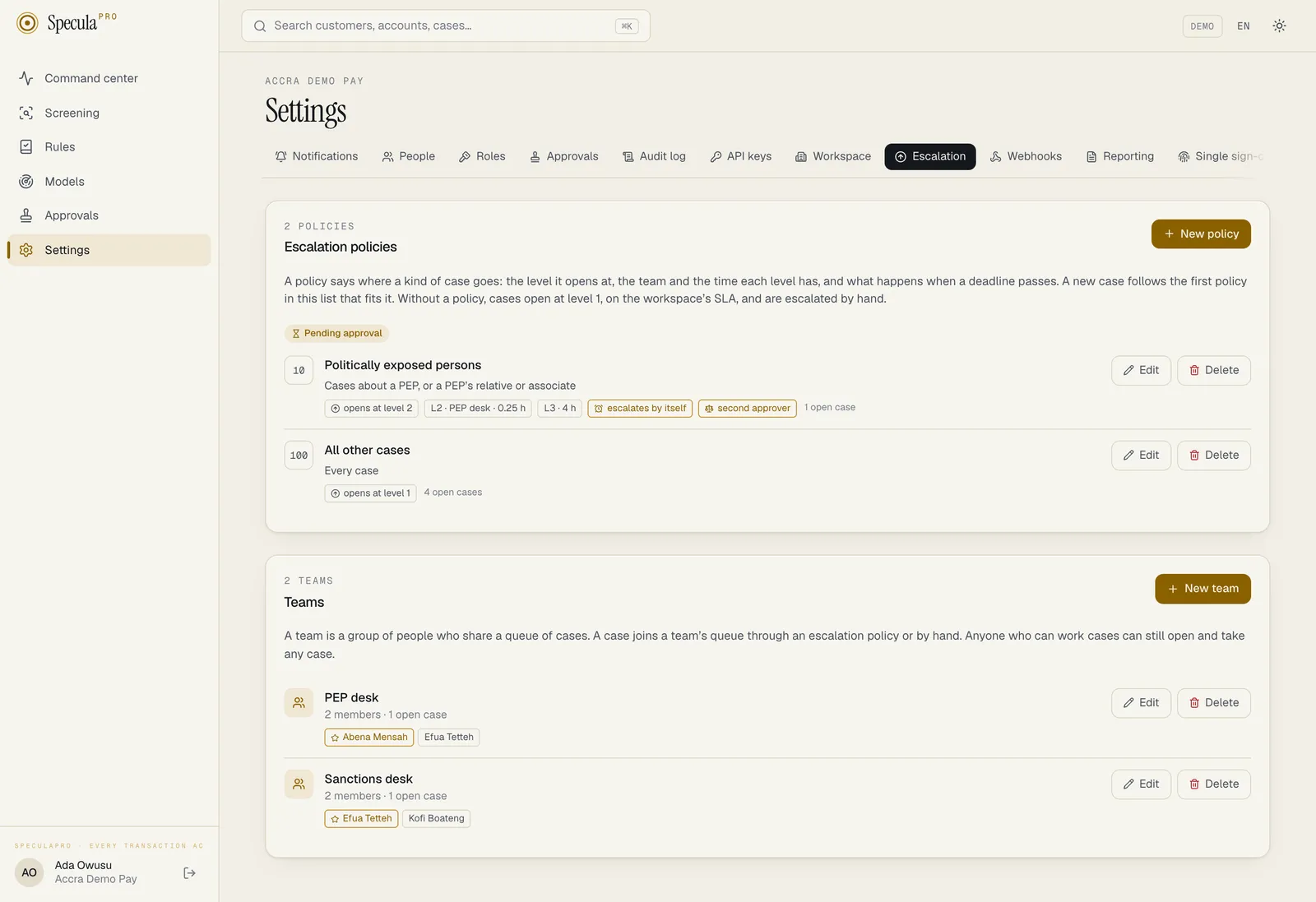
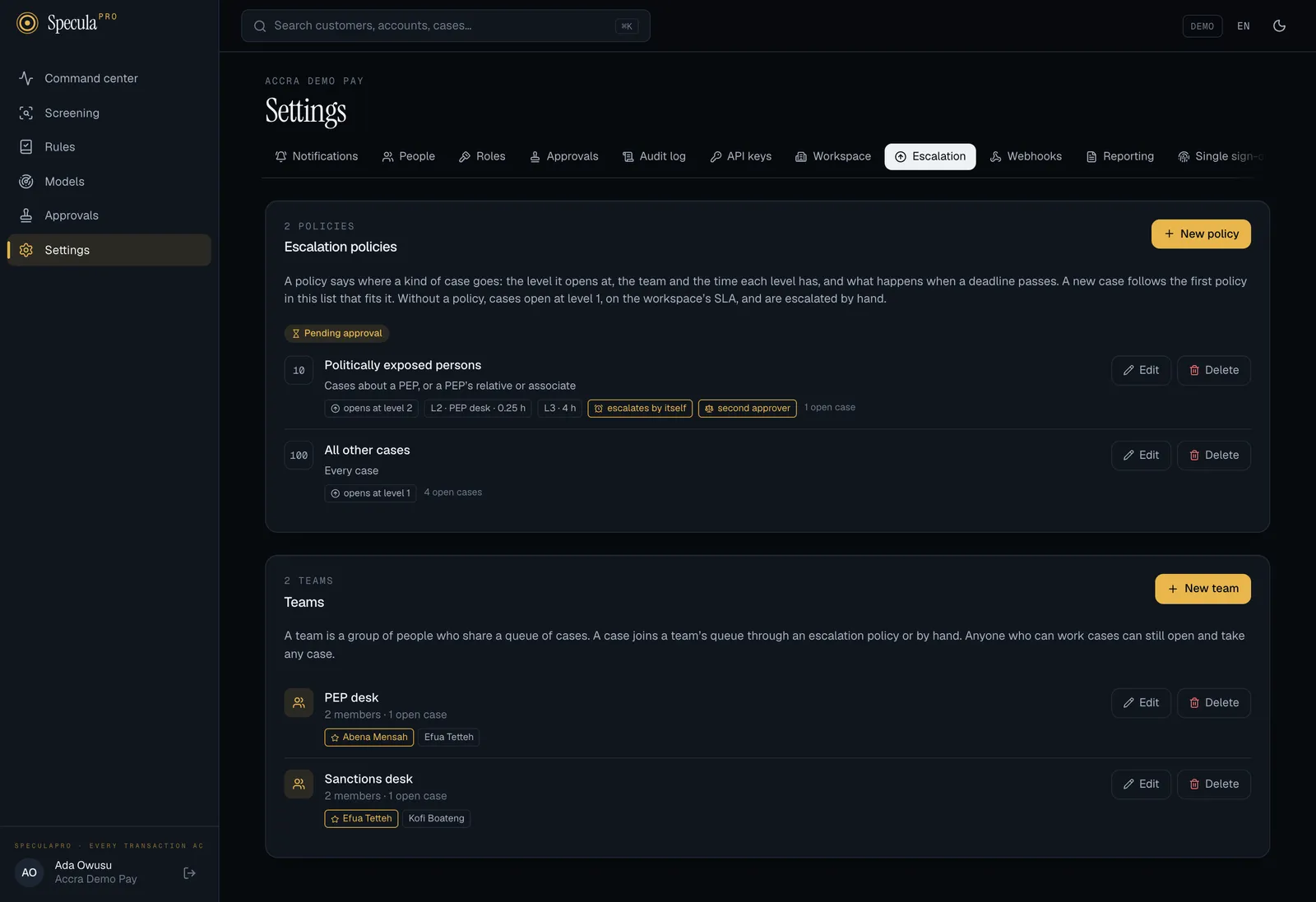
What a policy contains
Section titled “What a policy contains”| Field | What it does |
|---|---|
| Name | 1 to 80 characters, unique in the workspace. It is shown on every case that follows the policy |
| Order | A number from 1 to 1000. When several policies fit a case, the lowest number wins. Give your catch-all policy the highest number. Policies with the same number are tried in name order |
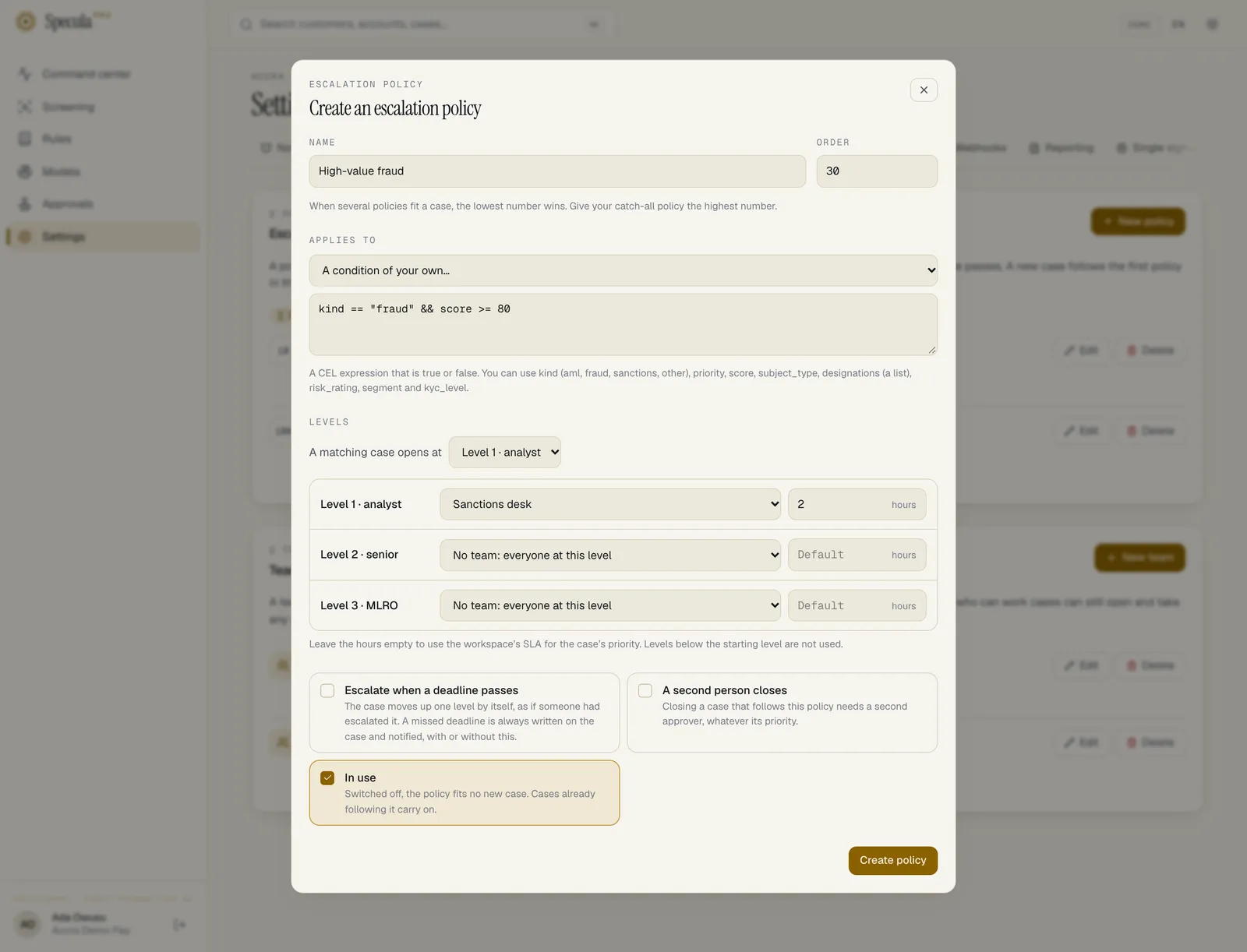
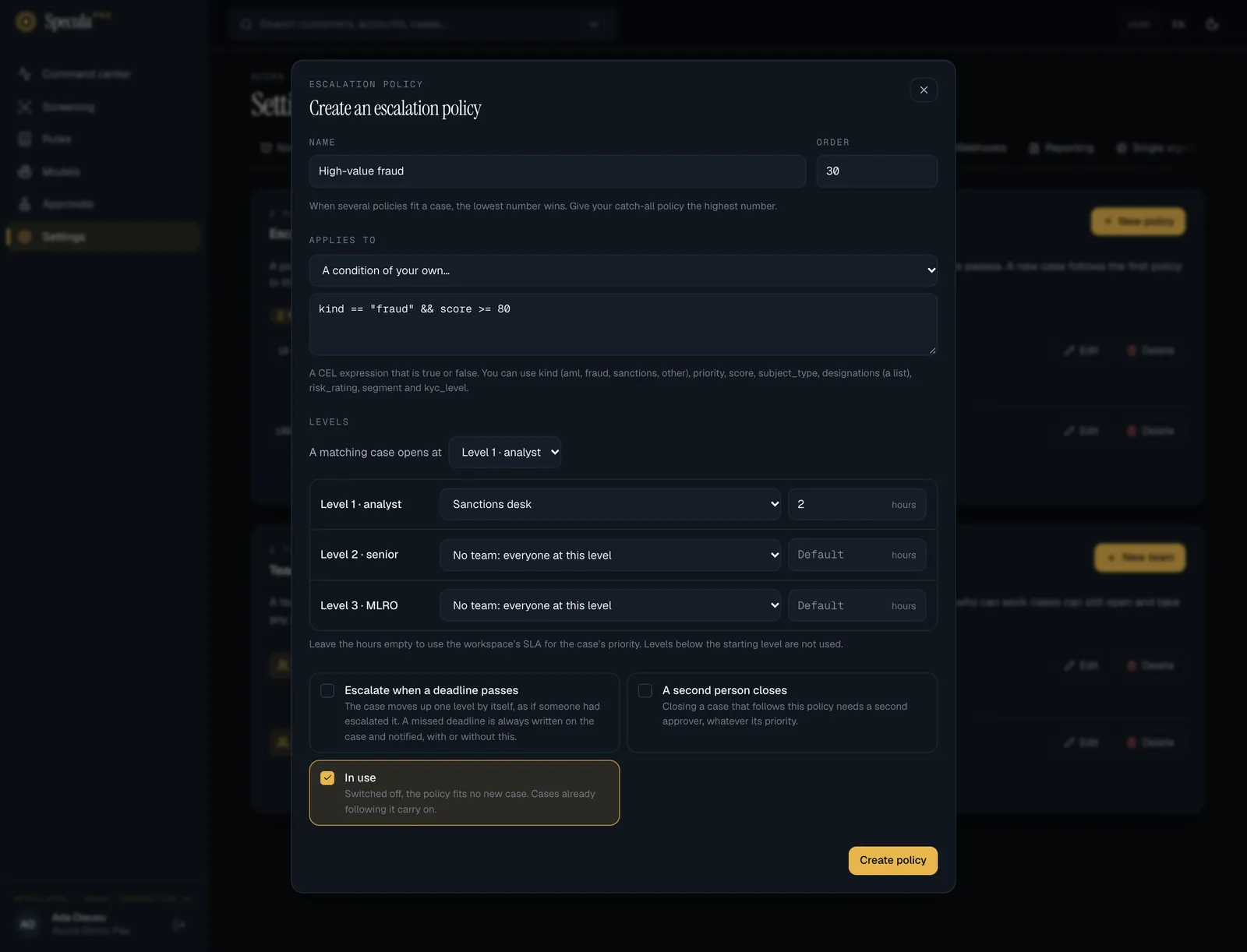
| Applies to | Which cases the policy takes: one of the ready-made choices below, or A condition of your own… |
| A matching case opens at | The starting level: Level 1 · analyst, Level 2 · senior or Level 3 · MLRO |
| Levels | For each level from the starting level up: an optional team and an optional number of hours |
| Escalate when a deadline passes | The case moves up one level by itself when its deadline is missed |
| A second person closes | Closing a case that follows this policy needs a second approver, whatever its priority |
| In use | Switched off, the policy fits no new case. Cases already following it carry on |
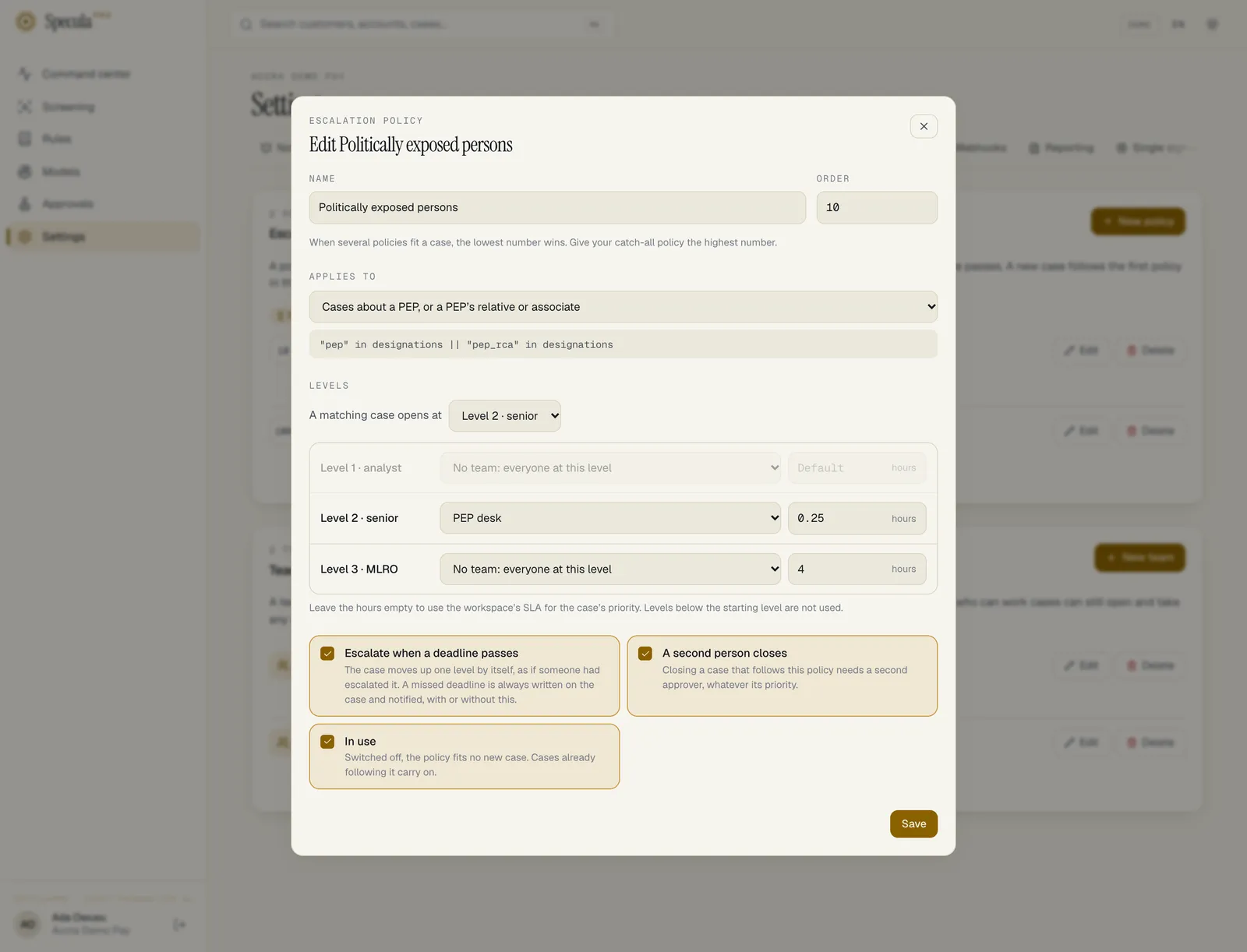
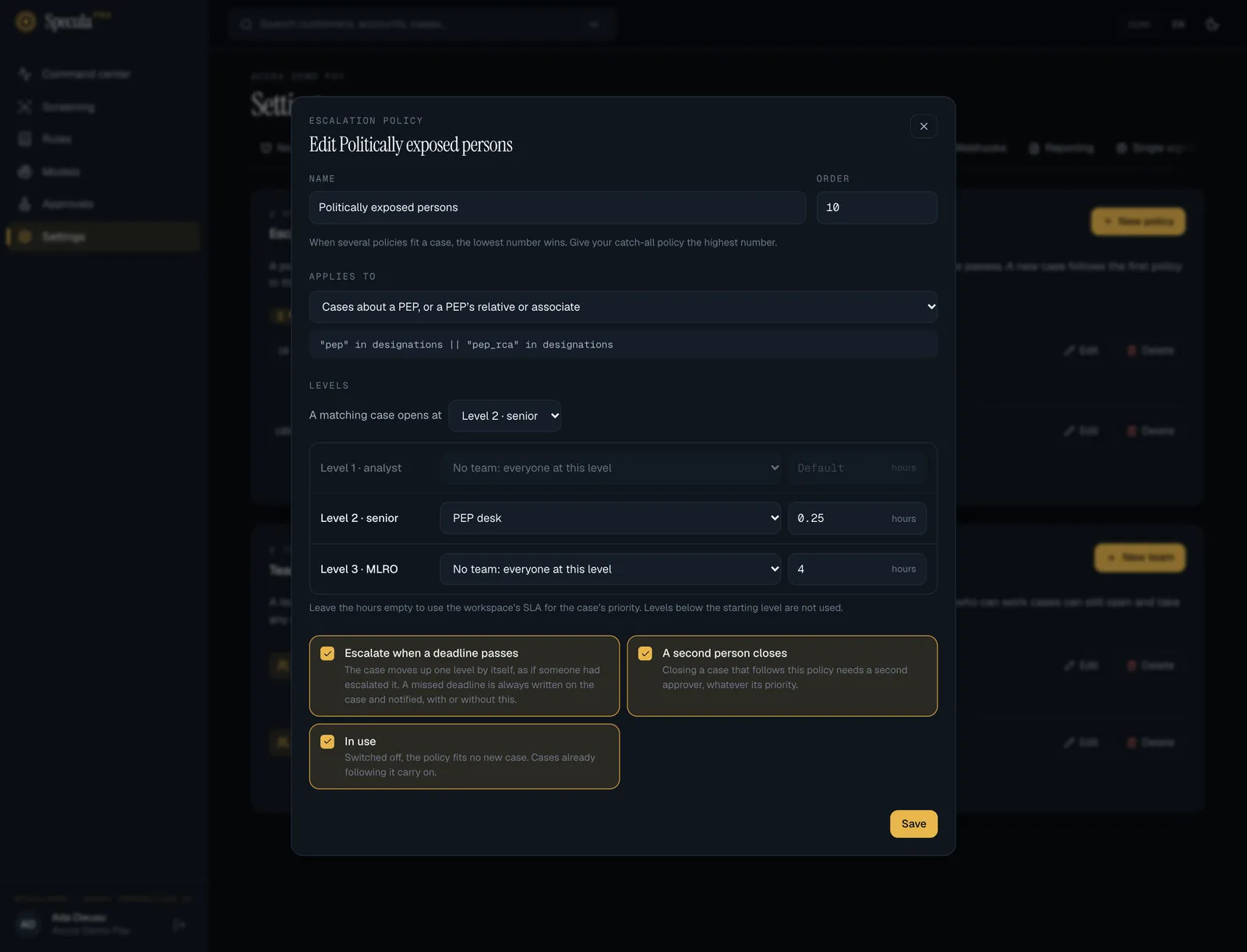
Applies to: the ready-made choices
Section titled “Applies to: the ready-made choices”Each choice stands for a condition. The list shows the choice’s wording; the API stores the expression.
| Choice | Fits a case when | Stored condition |
|---|---|---|
| Every case | Always. This is how you make a workspace default | (empty) |
| Cases about a PEP, or a PEP’s relative or associate | The subject carries the pep or pep_rca designation |
"pep" in designations || "pep_rca" in designations |
| Cases about a sanctioned subject | The subject carries the sanctioned designation |
"sanctioned" in designations |
| Cases about a high-risk customer | The subject’s risk rating is high, or it carries the high_risk designation |
risk_rating == "high" || "high_risk" in designations |
| Sanctions cases | The case’s kind is sanctions | kind == "sanctions" |
| Fraud cases | The case’s kind is fraud | kind == "fraud" |
| Critical-priority cases | The case opens at critical priority | priority == "critical" |
The facts are read when the case is opened: the subject’s designations in force and risk rating at that moment, and the priority and score the case starts with. See Risk designations.
A condition of your own
Section titled “A condition of your own”Choose A condition of your own… and type a Condition: an expression in CEL, the same language rules use, that is true or false. It can be up to 1,000 characters and can use these names:
| Name | Type | Values |
|---|---|---|
kind |
text | aml, fraud, sanctions, other |
priority |
text | low, medium, high, critical |
score |
number | The case’s opening score |
subject_type |
text | customer, account, counterparty |
designations |
list of text | The subject’s designations in force, for example ["pep"]. Empty when it has none |
risk_rating |
text | unrated, low, medium, high, unacceptable. Empty for a subject that has no rating |
segment |
text | The customer’s segment code, as your data sends it. Empty for other subjects |
kyc_level |
whole number | The customer’s KYC tier; 0 when unknown |
Examples:
| You want | Condition |
|---|---|
| High and critical AML cases | kind == "aml" && (priority == "high" || priority == "critical") |
| Customers rated unacceptable | risk_rating == "unacceptable" |
| Agents | subject_type == "customer" && segment == "agent" |
| Low-tier customers with a high score | kyc_level == 1 && score >= 80.0 |
| PEPs in fraud cases only | kind == "fraud" && "pep" in designations |
SpeculaPro checks the condition when you save. One that doesn’t compile, or that isn’t true-or-false, is refused with the reason, for example condition must be true or false, e.g. “pep” in designations.
Levels, teams and hours
Section titled “Levels, teams and hours”For each level from the starting level upwards you can set:
- Team for level N: the team whose queue the case joins when it reaches that level. Leave No team: everyone at this level to notify everyone who can take the level instead (see who is told).
- Hours at level N: how long the case has at that level, from the moment it arrives. Between
15 minutes (
0.25) and 2160 hours (90 days); fractions are allowed. Leave it empty to use the workspace’s case deadline for the case’s priority.
Levels below the starting level are not used and are not saved.
What “Escalate when a deadline passes” does
Section titled “What “Escalate when a deadline passes” does”A missed deadline is always written on the case’s timeline and in the audit log, and notified, with or without a policy. With this option on, the case is then escalated one level by the system, as if someone had escalated it: it is unassigned, joins the next level’s team queue, rises one step in priority and gets that level’s deadline. A case at level 3 has nowhere to go and is only recorded. Closed cases, and closures waiting for approval, are left alone.
The check runs every minute in the worker. See Escalation and SLAs.
How a case picks its policy
Section titled “How a case picks its policy”- Someone opens a case from an alert.
- SpeculaPro goes through the policies that are In use, lowest Order first.
- The case follows the first one whose condition fits. If none fits, it follows no policy.
- If the policy’s starting level is 1, the case opens assigned to the person who opened it, in level 1’s team queue if the policy names one.
- If the starting level is 2 or 3, the case opens escalated and unassigned, in that level’s team queue, for someone at that level to take.
The case page then shows Follows the escalation policy “name”. An alert that joins an existing case doesn’t change the policy that case follows.
Who is told
Section titled “Who is told”When a case arrives at a level (on opening above level 1, or on any escalation):
| The level has | Who gets the notification |
|---|---|
| A team with at least one active member | The team’s members |
| No team, or an empty team | Level 2: everyone with cases.close. Level 3: everyone with cases.approve |
When a policy puts a new case in level 1’s team queue, the team’s members are told it was assigned.
How to create a policy
Section titled “How to create a policy”- Open Settings → Escalation.
- If the policy will send cases to a team, create the team first.
- In Escalation policies, select New policy.
- Enter a Name, for example
Politically exposed persons. - Set the Order. Use low numbers for specific policies and a high number for a catch-all.
- Under Applies to, choose which cases it takes.
- Under A matching case opens at, choose the starting level.
- For each level shown, choose a team and enter the hours, or leave either empty.
- Tick Escalate when a deadline passes and A second person closes if you want them.
- Leave In use ticked and select Create policy.
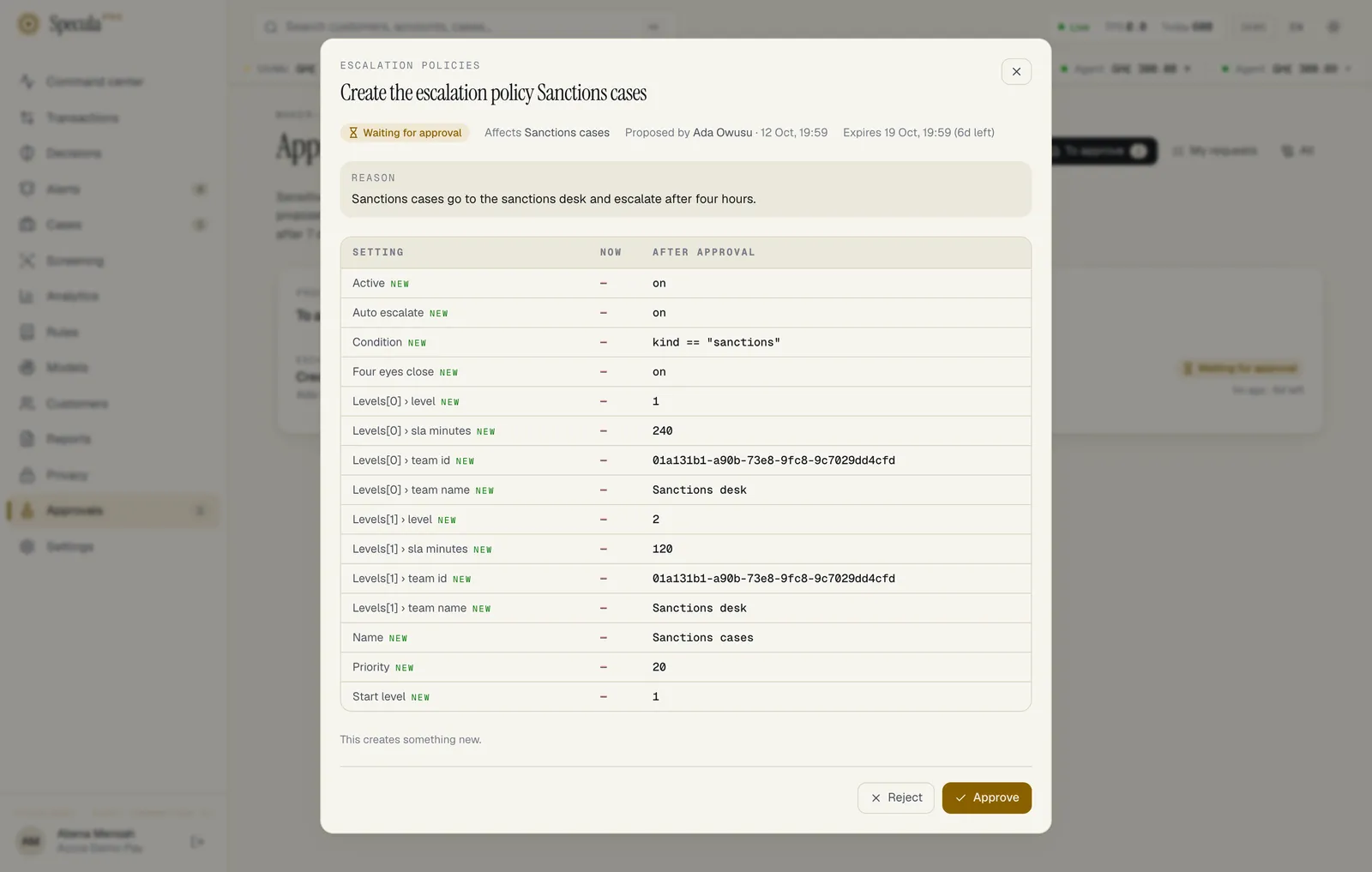
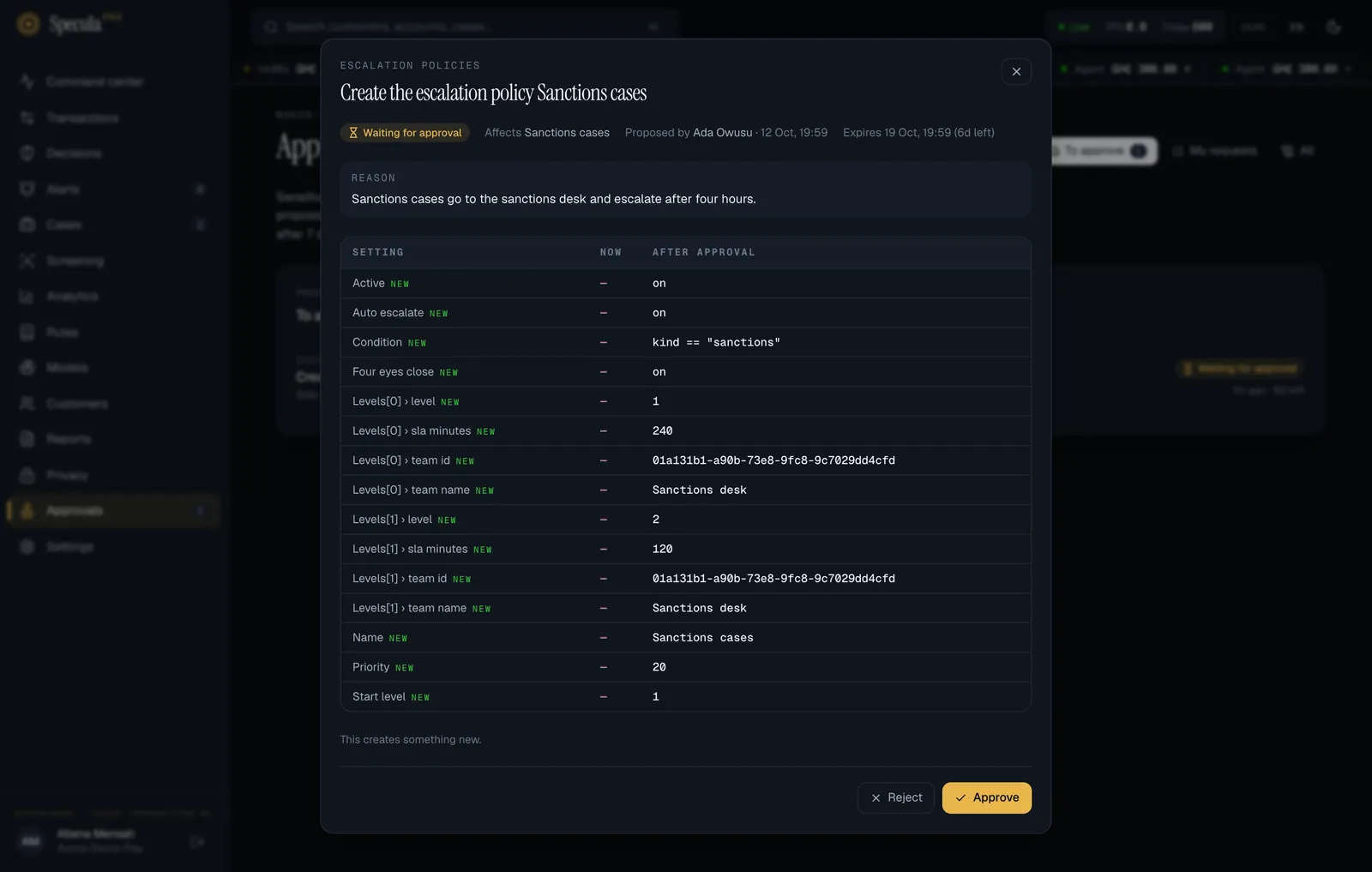
- If your workspace requires approval, give the reason when asked. The policy shows as pending until a second person approves it under Approvals, and takes effect then.
Worked example: PEP cases go straight to a senior desk
Section titled “Worked example: PEP cases go straight to a senior desk”Your procedures say cases about politically exposed persons are handled by senior staff, must reach the MLRO if they stall, and are never closed by one person.
| Field | Value |
|---|---|
| Name | Politically exposed persons |
| Order | 10 |
| Applies to | Cases about a PEP, or a PEP’s relative or associate |
| A matching case opens at | Level 2 · senior |
| Level 2 | Team PEP desk, 24 hours |
| Level 3 | No team, hours empty |
| Escalate when a deadline passes | On |
| A second person closes | On |
Illustrative values. With this policy, a case opened about a customer who carries the pep
designation opens escalated at level 2, unassigned, in the PEP desk’s queue, due in 24 hours whatever
its priority. If nobody resolves it in time, it is recorded as missed and escalated to level 3,
where everyone with cases.approve is told and the workspace’s deadline for its new priority
applies. Closing it always needs a second approver.
How to change, switch off or delete a policy
Section titled “How to change, switch off or delete a policy”- Open Settings → Escalation.
- On the policy’s row, select Edit, change what you need and select Save. To stop it taking new cases without deleting it, untick In use: the row then shows Off.
- To remove it, select Delete and confirm. Delete is unavailable while open cases follow the policy: point at the button to read Open cases follow this policy. Switch it off so it takes no new case, and delete it when they are closed. Each row shows how many open cases follow it.
While a change to a policy is waiting for approval, its Edit and Delete buttons are unavailable.
What happens to open cases
Section titled “What happens to open cases”| You | Cases already following the policy |
|---|---|
| Change it | Keep their level, team and deadline. The new teams and hours apply from their next escalation. The automatic-escalation and second-person settings apply as they now stand |
| Switch it off | Carry on following it. No new case is matched to it |
| Delete it | Not possible while open cases follow it. Switch it off, and delete it when they are closed |
What is recorded
Section titled “What is recorded”| Action | Audit log entry |
|---|---|
| Policy created | escalation_policy.create, with all its settings |
| Policy changed | escalation_policy.update, with the new settings |
| Policy deleted | escalation_policy.delete, with its name |
When approval is required, the change request also records who proposed the change, the reason, and who approved or rejected it. On each case, the timeline’s first entry names the policy and the starting level.
If something goes wrong
Section titled “If something goes wrong”| What you see | Why | What to do |
|---|---|---|
| a policy with this name already exists | Names are unique in a workspace | Choose another name |
| level 2 names a team that doesn’t exist | The team was deleted before the policy was saved or approved | Choose another team |
| a level’s time must be between 15 minutes and 90 days | Hours below 0.25 or above 2160 |
Bring it within range, or leave it empty |
| condition: … followed by a CEL error | The expression doesn’t compile | Fix it; see the names you can use above |
| A case didn’t follow the policy you expected | A policy with a lower Order number fitted first, the policy is Off, or the subject didn’t carry the designation when the case was opened | Check the order and the case’s first timeline entry |
| The Escalation tab isn’t there | You hold neither settings.manage nor settings.view |
Ask an administrator |
| Delete is greyed out | Open cases follow the policy, or a change to it is waiting for approval | Switch the policy off and delete it when its cases are closed; or wait for the approval |