Everything staff do in the console is written to an append-only audit log of its own: sign-ins
and failed attempts, every workspace that was looked at, every change, and every read of the log
itself. Only an Owner can read it.
It is separate from each workspace’s audit log. What the provider does to a
workspace is written to both.
- Nothing happens unrecorded. An entry is written in the same database transaction as the
change it describes. If the entry can’t be written, the change doesn’t happen.
- Reads are recorded too. Listing workspaces, opening one, viewing usage, health or a plan,
listing staff, and reading the audit log each leave an entry.
- Nobody can edit it. The console has no way to change or remove an entry, and the database
refuses updates and deletes on the table, including from the role the console itself uses.
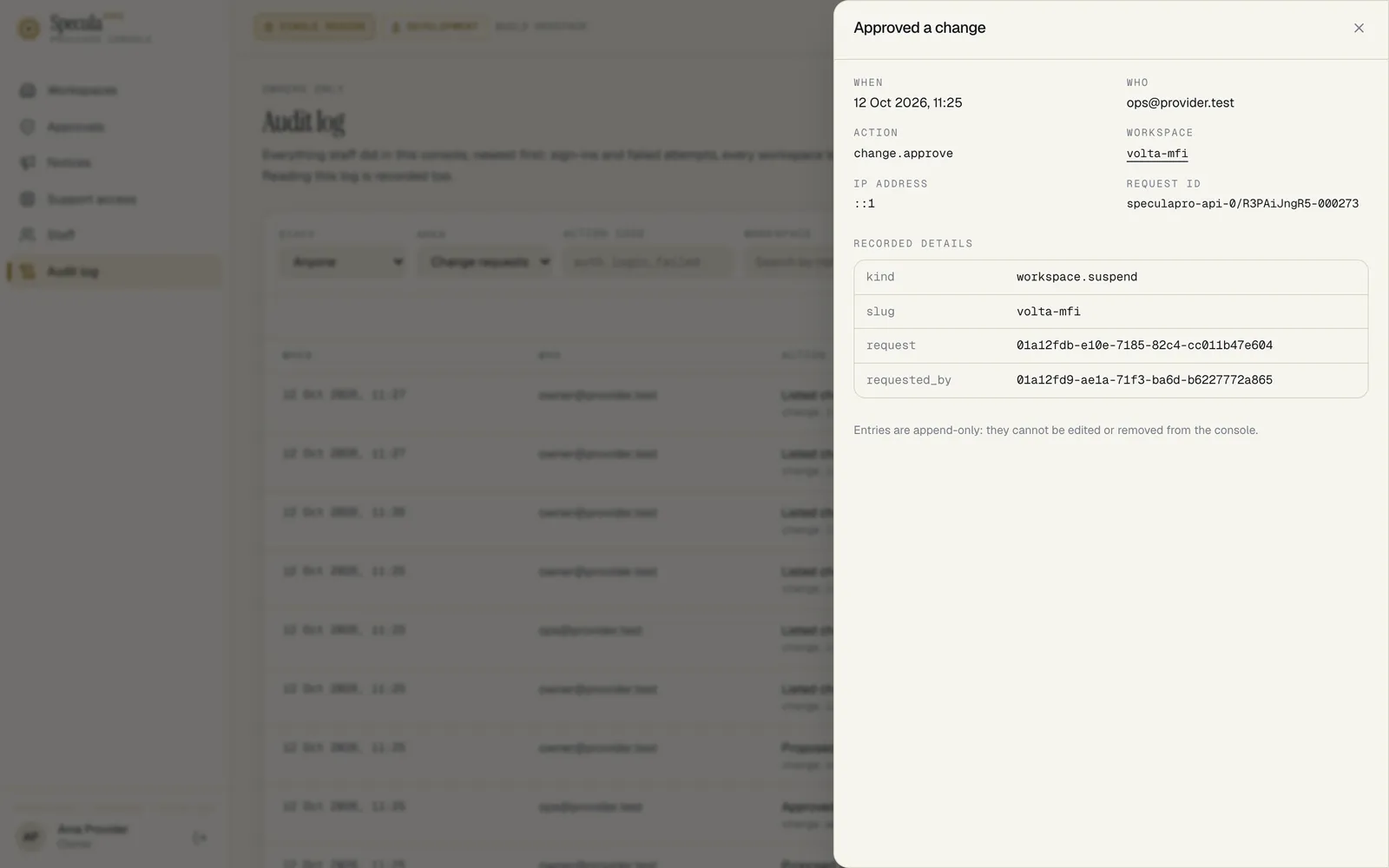
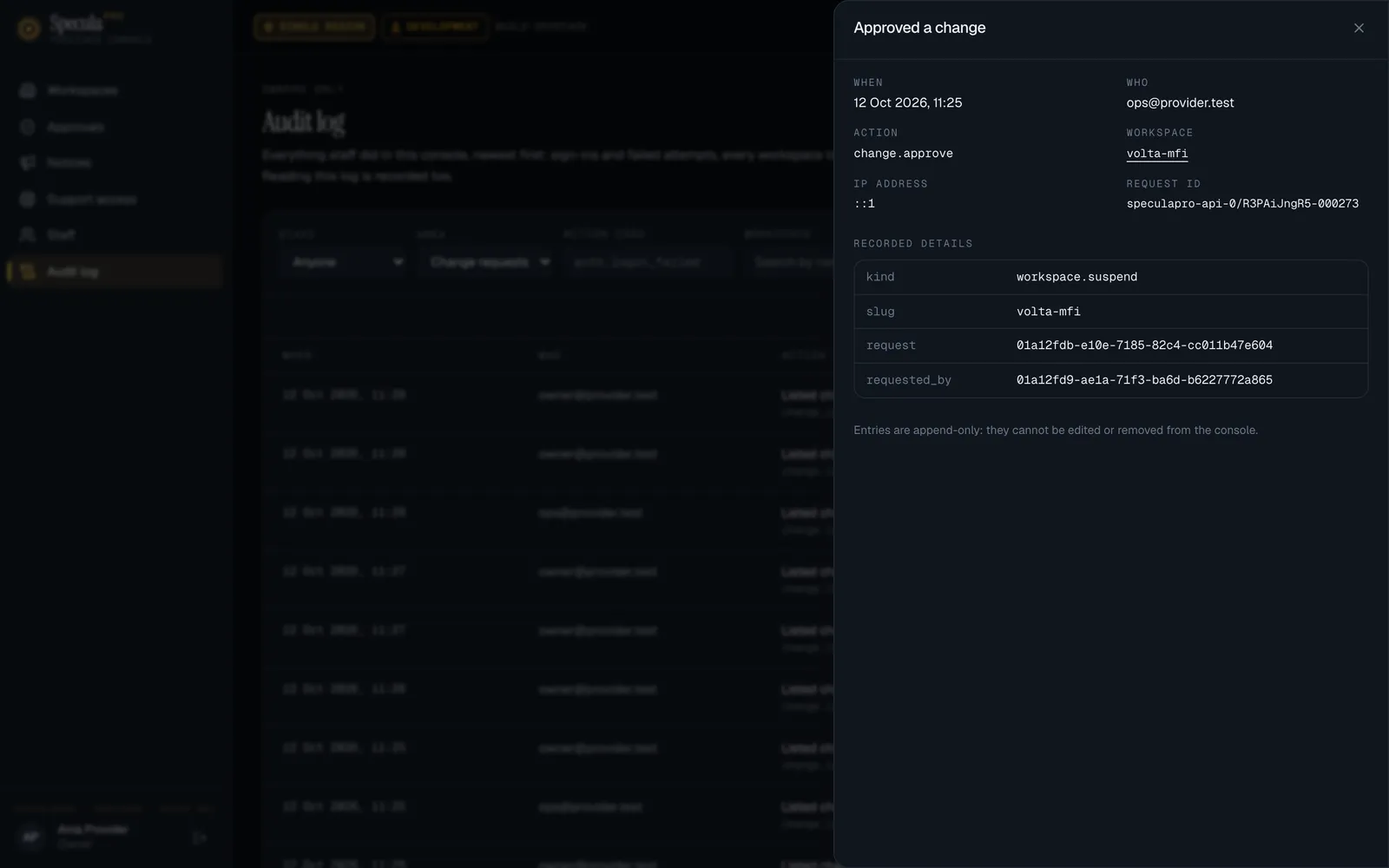
Open Audit log. Entries are newest first, with when, who, the action, the workspace and a
Details button showing what else was recorded, the IP address and the request ID.
| Filter |
Narrows to |
| Staff |
One member of staff |
| Area |
Sign-in, Workspaces, Change requests, Notices, Staff, Support access, Audit log |
| Action code |
An action or its prefix, such as workspace. or auth.login_failed |
| Workspace |
One workspace |
| Up to |
Entries up to a moment |
Load older entries pages back; Check for newer entries fetches what happened since the page
was loaded. Changes made from the command line show Command line as the person.
| Action |
Written when |
auth.login |
Someone signed in; records whether the second factor was verified |
auth.login_failed |
A sign-in failed; records the reason: unknown_account, account_unavailable, bad_password, temp_password_expired or bad_totp. For an unknown account the email is recorded as it was typed |
auth.logout |
Someone signed out |
auth.password_changed |
A password was changed |
auth.totp_enabled |
Someone finished enrolling their second factor |
| Action |
Written when |
staff.list |
The staff list was read |
staff.invite |
Someone was invited; records the email and role |
staff.role_changed |
A role changed; records from and to |
staff.deactivate, staff.reactivate |
An account was switched off or back on |
staff.reset_totp, staff.reset_password |
A second factor or a password was reset |
| Action |
Written when |
workspace.list |
The list was read; records the search and filters |
workspace.view |
A workspace’s page was opened |
workspace.usage_view, workspace.health_view, workspace.plan_view |
Its usage, health or plan was read |
workspace.create |
A workspace was created; records the slug, the first administrator’s email and the plan |
workspace.plan_changed |
A plan changed; records before and after, and whether the notes changed (not the notes) |
workspace.ai_topup |
AI assistant calls were added for a month; records the slug, the month, the number and the request it answered, if any. Not the note |
workspace.ai_request_declined |
A workspace’s request for more AI calls was declined; records the slug, the request and the number asked for |
workspace.deleted_list |
The list of deleted workspaces was read |
workspace.purged |
The worker deleted a workspace on its scheduled date; records what was deleted. Written by the database, with no member of staff |
| Action |
Written when |
change.list |
The requests were listed |
change.request |
A change was proposed; records the kind, reason and, for a deletion, the days |
change.approve, change.reject |
A request was decided; records who proposed it |
change.cancel |
A request was withdrawn |
| Action |
Written when |
notice.list |
Notices were listed |
notice.create, notice.update, notice.withdraw |
A notice was posted, changed or taken down; records the severity, title and audience |
| Action |
Written when |
support.list, support.view |
Requests were listed, or one was opened |
support.requested |
Staff asked a workspace for access; records the reason, ticket, scope and minutes |
support.request_refused |
The workspace’s policy refused the request; records what was asked and why it was refused |
support.cancelled, support.ended |
Staff withdrew a request or ended a grant |
support.handoff_issued |
A one-time link into the customer app was made |
support.approved, support.denied, support.revoked |
The workspace decided, or revoked a grant |
support.expired |
A request or grant ran out |
support.session_started, support.session_ended |
A support session began or ended |
support.read |
A read made in a support session |
support.refused |
A request in a support session was refused; records the reason and a count |
| Action |
Written when |
audit.view |
The audit log was read |
What the provider does to a workspace is written to that workspace’s own audit log, where its
administrators and auditors read it. The actor is shown as the provider, with the name of the
member of staff: SpeculaPro — Ada Mensah. For a change under dual control it is the person whose
approval applied it.
| In the workspace’s audit log |
When |
provider.workspace_suspended, provider.workspace_reactivated |
The workspace was suspended or reactivated |
provider.deletion_scheduled |
A deletion was scheduled; records the date |
provider.deletion_cancelled |
A scheduled deletion was cancelled |
provider.ai_topup |
AI assistant calls were added for a month; records the month and the number |
provider.ai_request_declined |
The workspace’s request for more AI calls was declined; records the number asked for |
provider.plan_changed |
The plan or limits changed; records the plan name and limits, never the staff notes |
provider.notice_posted, provider.notice_updated, provider.notice_withdrawn |
A notice addressed to this workspace alone |
The support. actions above |
Every step of support access, and every read made in a session |
Merely looking at a workspace’s name, plan, usage or health in the console is recorded in the
console’s log, not the workspace’s: none of those reads touch what the workspace holds.
