
A suspended workspace
In short
Section titled “In short”On the hosted service, SpeculaPro can suspend a workspace, for example when a contract ends or at the institution’s own request. Suspension switches off access. It doesn’t touch data:
- nobody can sign in, and everyone who was signed in is signed out;
- no API key works, so your systems can’t send transactions or ask for decisions;
- background work for the workspace waits where it is;
- everything is kept as it was, and comes back when the workspace is reactivated.
Suspending and reactivating are never done by one member of SpeculaPro’s staff alone: one proposes and another approves. Both are written to your workspace’s audit log.
This page doesn’t apply to a self-hosted installation, which has no service provider.
What stops
Section titled “What stops”| Who or what | What happens | What they are told |
|---|---|---|
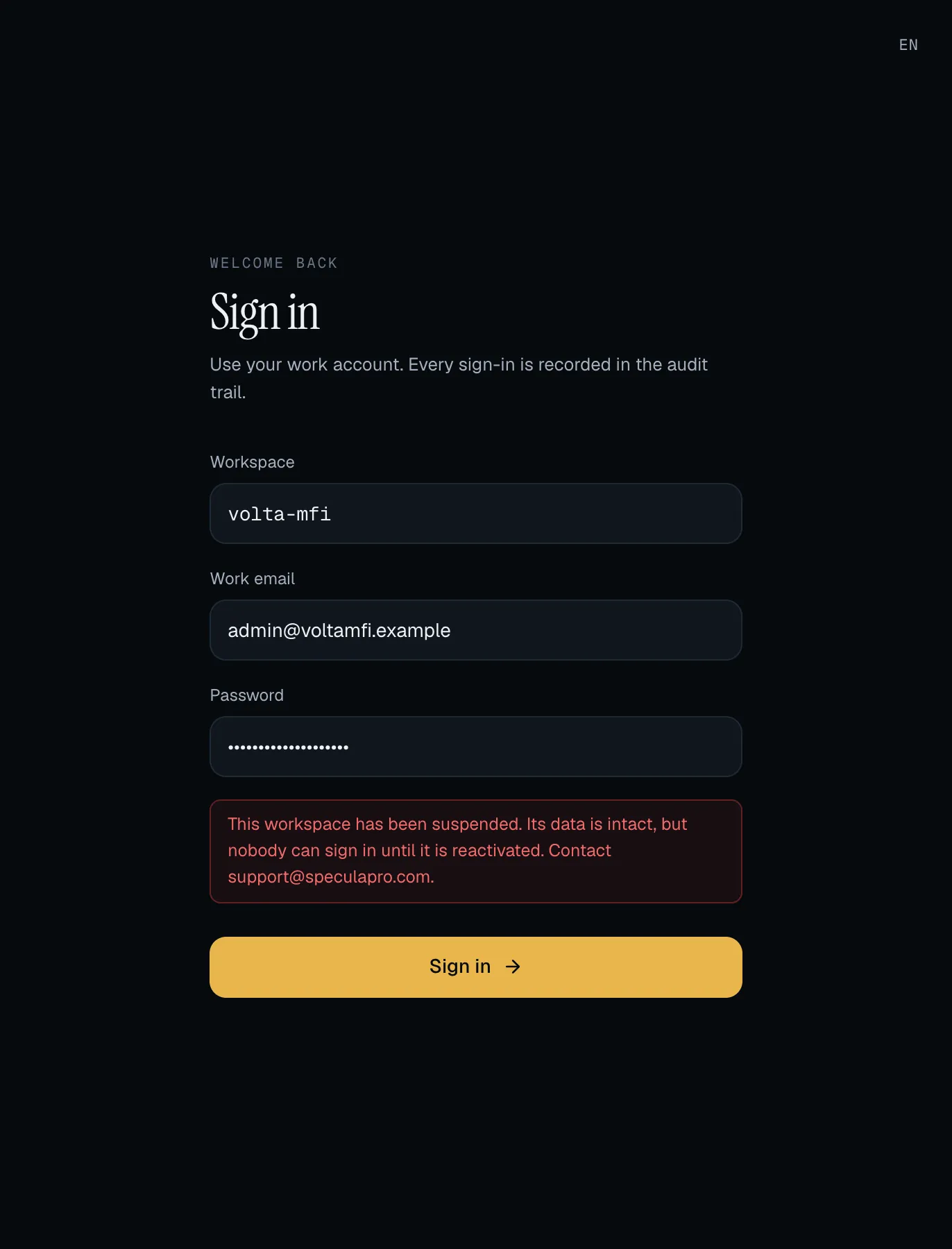
| Someone signing in with a password | Refused. Only a person whose password was right is told why; anyone else gets the usual invalid credentials answer, so a stranger learns nothing | This workspace has been suspended. Its data is intact, but nobody can sign in until it is reactivated. Contact [email protected]. The API answers 403 workspace_suspended |
| Someone signing in with single sign-on | The sign-in goes to your identity provider as usual. Once it has vouched for the person, SpeculaPro refuses them with the same message. Nobody is signed in | The same message on the sign-in page |
| People already signed in | Every session of the workspace is ended at the moment of suspension. The next click goes to the sign-in page | As above when they try to sign in again |
| API keys | Refused within 5 seconds of the suspension. The answer is 403, not 401, because the key itself is valid: rotating it or retrying changes nothing |
"code": "workspace_suspended" with This workspace has been suspended by SpeculaPro. Its data is intact; nobody can sign in and no API key works until it is reactivated. Contact [email protected]. |
| SCIM provisioning | Refused with the same 401 as a wrong or revoked token. Your identity provider will show provisioning errors until reactivation |
Nothing specific |
| SpeculaPro support sessions | Ended, and no new support access request can be made |
An API-key refusal looks like this:
{ "title": "Forbidden", "status": 403, "code": "workspace_suspended", "detail": "This workspace has been suspended by SpeculaPro. Its data is intact; nobody can sign in and no API key works until it is reactivated. Contact [email protected]."}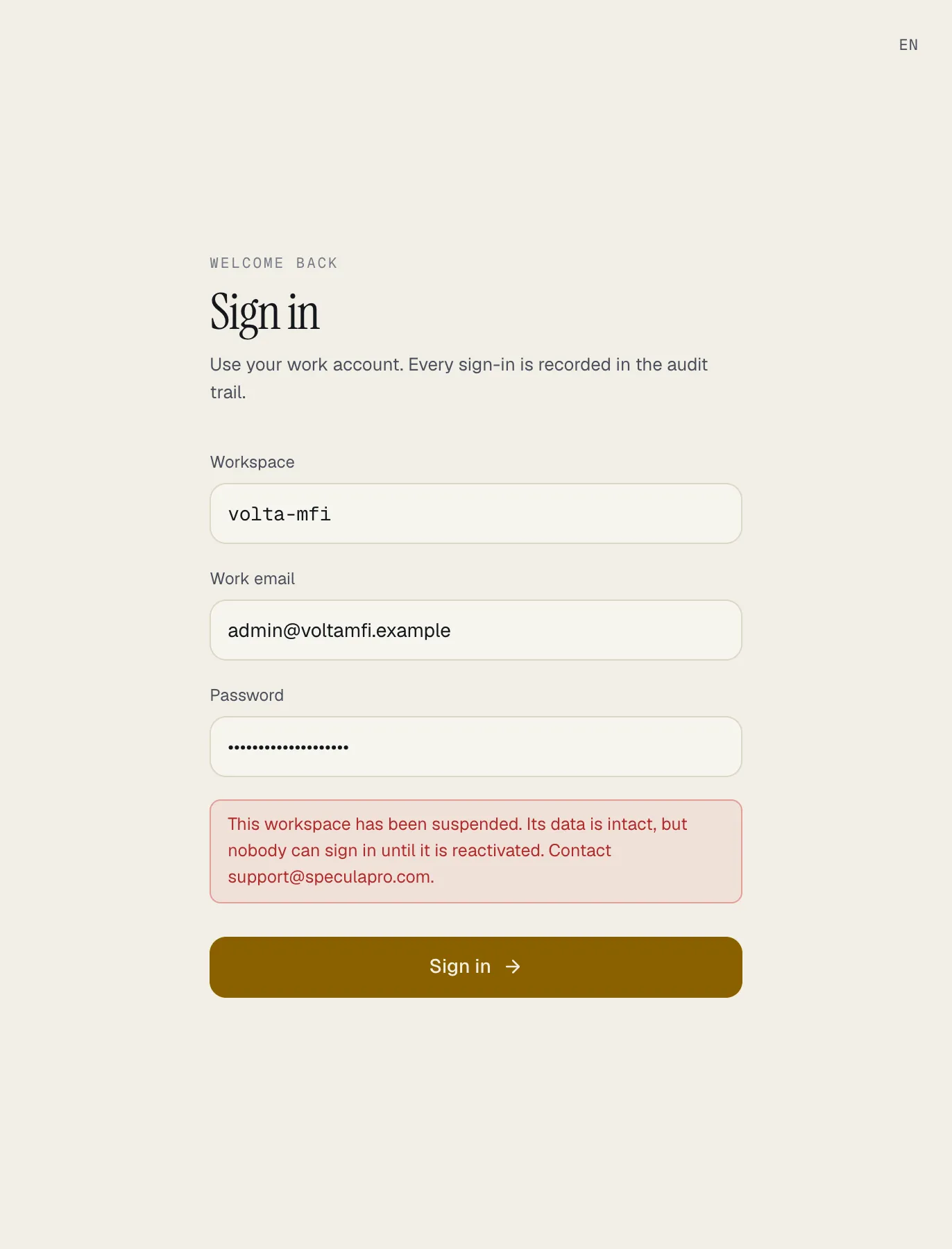
What waits
Section titled “What waits”The background jobs skip a workspace that isn’t active and keep its work. Nothing is sent, run or deleted for it while it is suspended:
- notifications waiting to be sent, and reminders about cases that are due;
- webhook deliveries;
- screening and re-screening runs;
- scheduled rules;
- queued backtests and risk-model trainings, and the retraining schedule;
- daily cash transaction report drafts;
- Kafka and change-data-capture data sources;
- the retention purge and the routine clean-up jobs;
- approval requests, which aren’t closed as expired until the workspace is active again.
When the workspace is reactivated, the jobs pick all of this up again by themselves.
What is kept
Section titled “What is kept”Everything: cases, alerts, customers, transactions, reports, rules, settings, people, roles, API keys and the audit log. Suspension changes the workspace’s status and ends its sessions, and nothing else.
After reactivation
Section titled “After reactivation”- People sign in again. Their sessions were ended, so everyone signs in afresh. Passwords, two-factor and single sign-on are as they were.
- API keys work again, the same keys, within a few seconds. Send what your systems queued.
- Waiting work resumes: queued notifications and webhooks go out, due scheduled rules run.
- What your systems didn’t send during the suspension was never received. SpeculaPro can’t monitor it until you send it.
Where it is recorded
Section titled “Where it is recorded”Your workspace’s audit log has an entry for each, with the actor shown as SpeculaPro — <name>:
| Action | Meaning |
|---|---|
provider.workspace_suspended |
The workspace was suspended |
provider.workspace_reactivated |
The workspace was reactivated |
auth.login_failed with reason: workspace_suspended |
Someone with the right password tried to sign in while it was suspended |
auth.sso_failed with reason: workspace_suspended |
Someone the identity provider vouched for tried to sign in while it was suspended |
Suspension is not a move
Section titled “Suspension is not a move”A workspace being moved to another region is also closed for a short
time, and it answers differently: read-only at first, then 503 with Retry-After or 421 with
the new address. Those tell your systems to retry or to use the other region. workspace_suspended
tells them neither will help.