
Escalating a case
Ce contenu n’est pas encore disponible dans votre langue.
In short
Section titled “In short”Escalating passes a case to the next level of authority when it is beyond yours: it looks more serious than expected, it needs a decision you can’t make, or it involves a sensitive customer. Every case has a level:
| Level | Usually worked by |
|---|---|
| 1 | Analysts. A new case starts here unless an escalation policy opens it higher |
| 2 | Senior analysts |
| 3 | The MLRO or compliance officer. A case can’t be escalated beyond level 3 |
So a case can be escalated twice at most. Your institution’s AML policy decides exactly who works each level; SpeculaPro doesn’t stop anyone with the right permissions from working a case at any level.
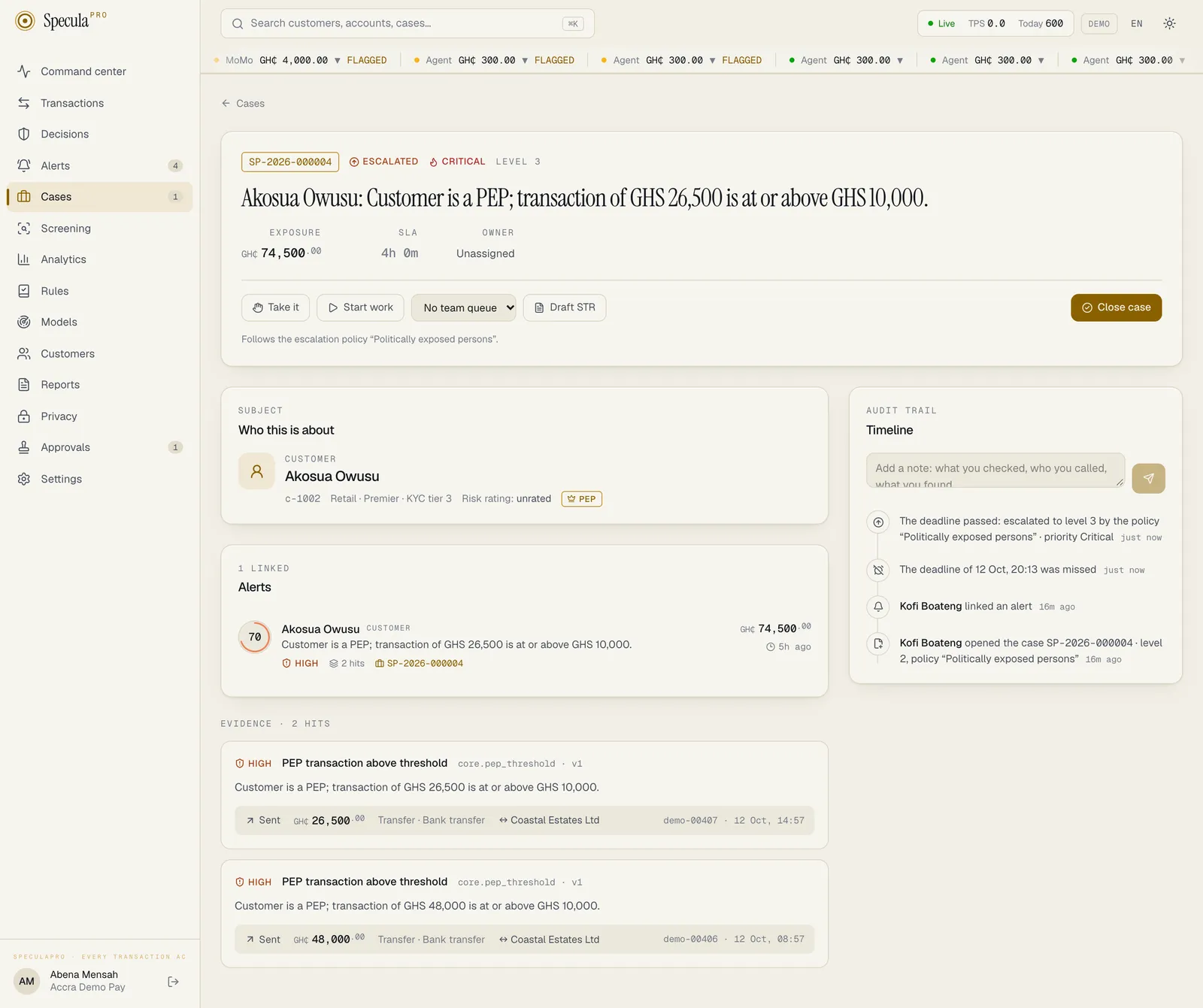
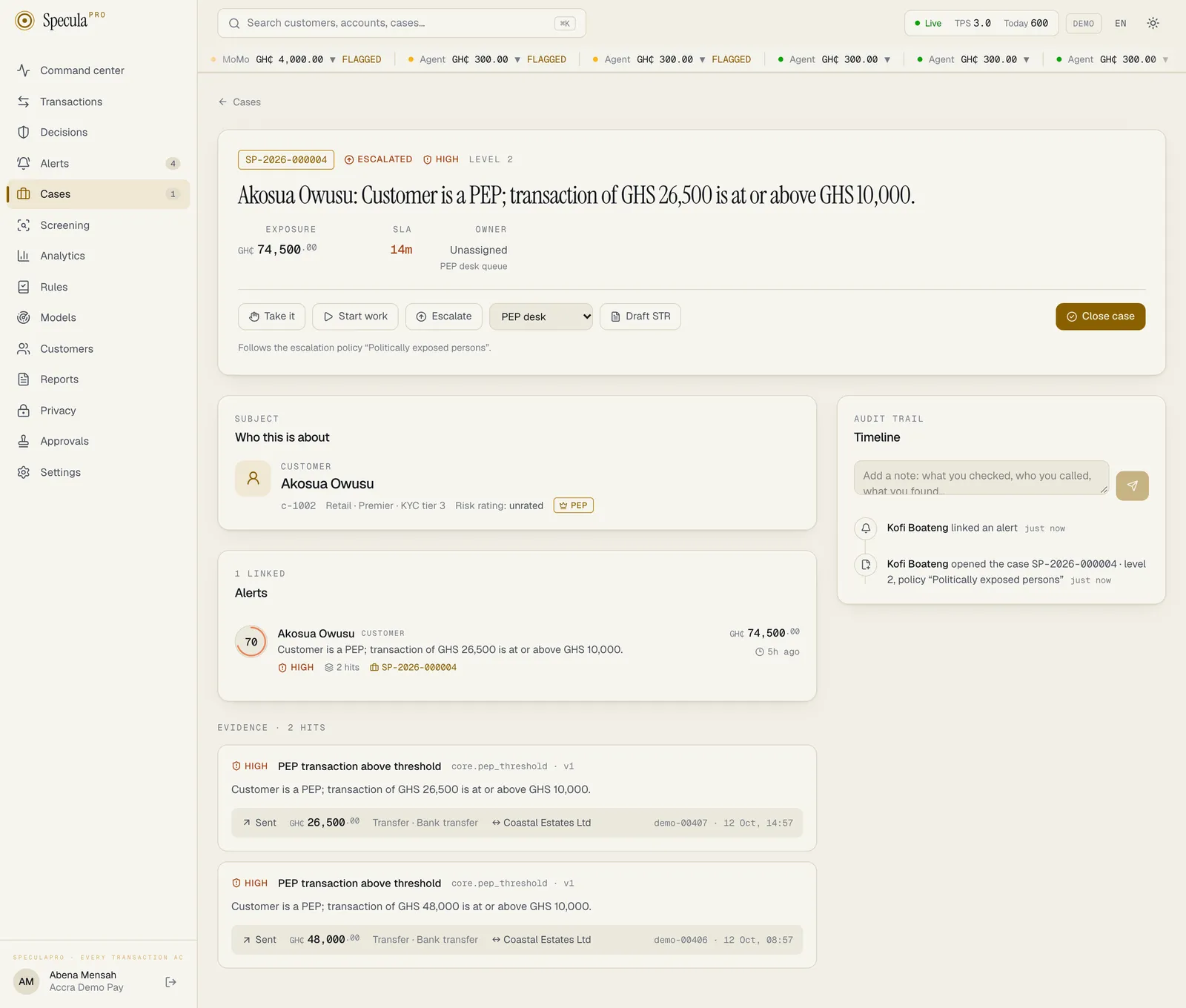
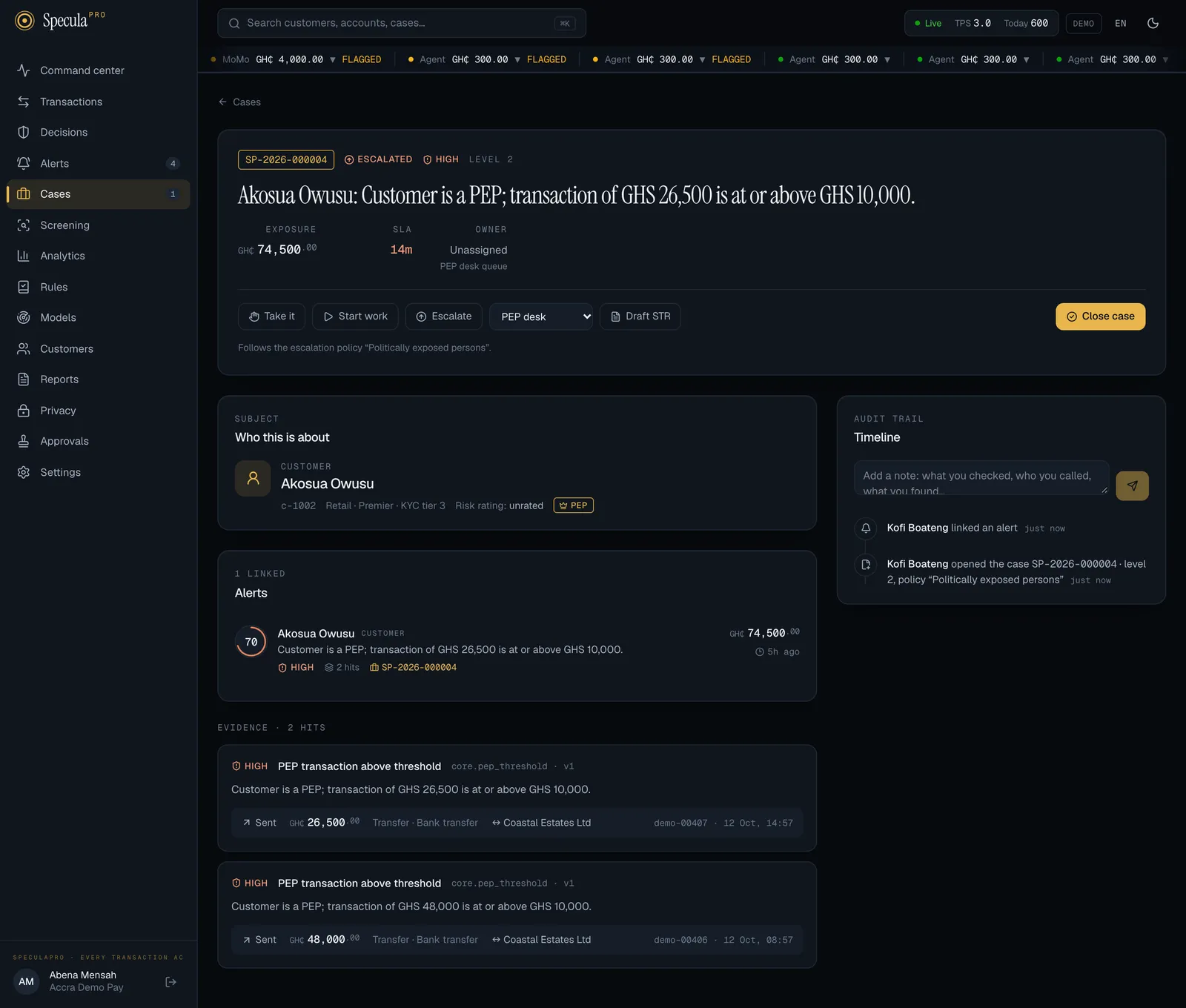
Your administrator may have set up escalation policies. A policy decides, for a kind of case, the level it opens at, the team whose queue it joins at each level, how long each level has, and whether a missed deadline escalates the case by itself. When a case follows one, a line under its buttons says so: Follows the escalation policy “Politically exposed persons”. See Escalation and SLAs.
You need cases.work to escalate (by default Analyst, Senior analyst and MLRO).
How to escalate a case
Section titled “How to escalate a case”- Open the case. Add a note on the timeline first if you have findings that don’t fit in a short reason.
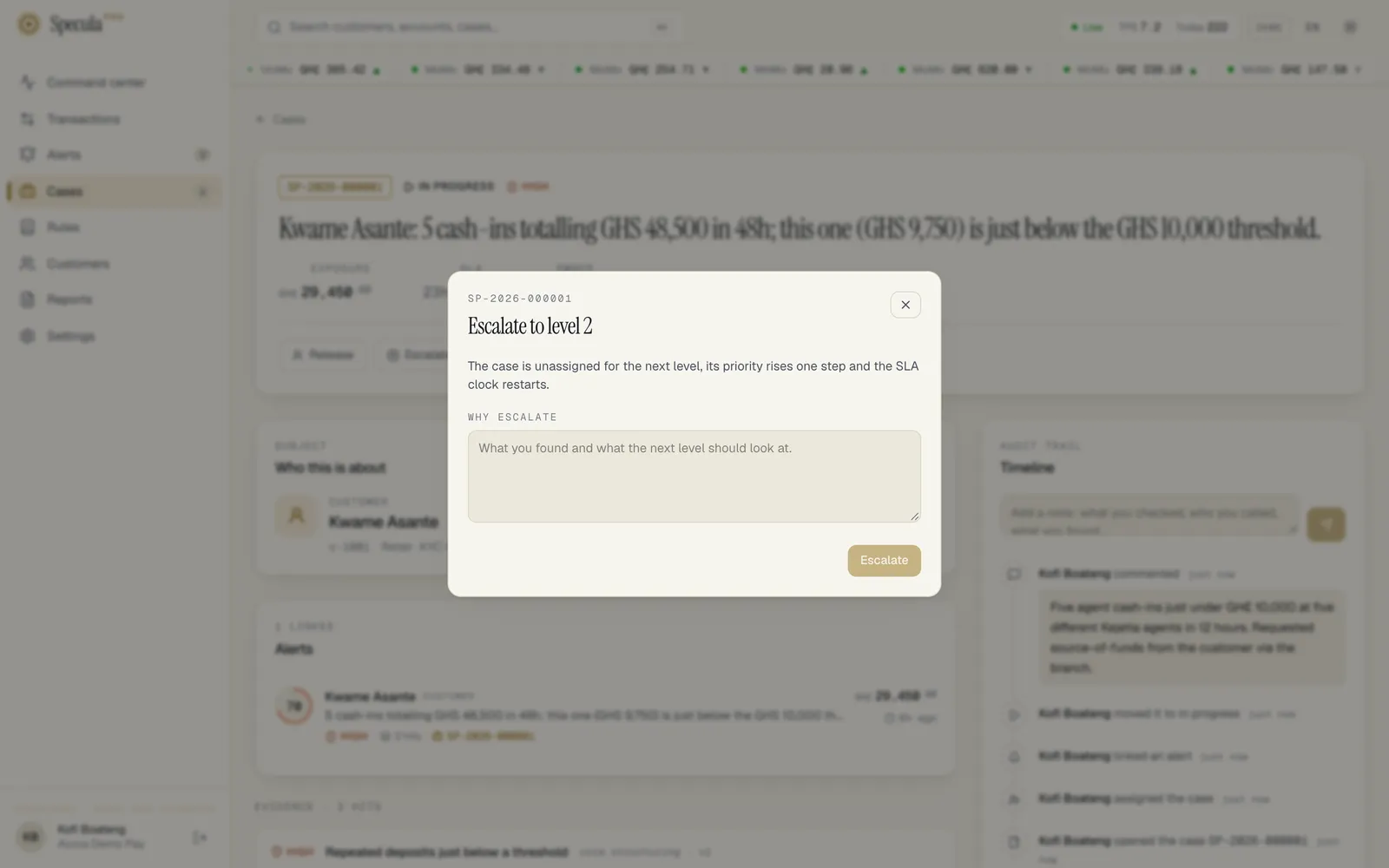
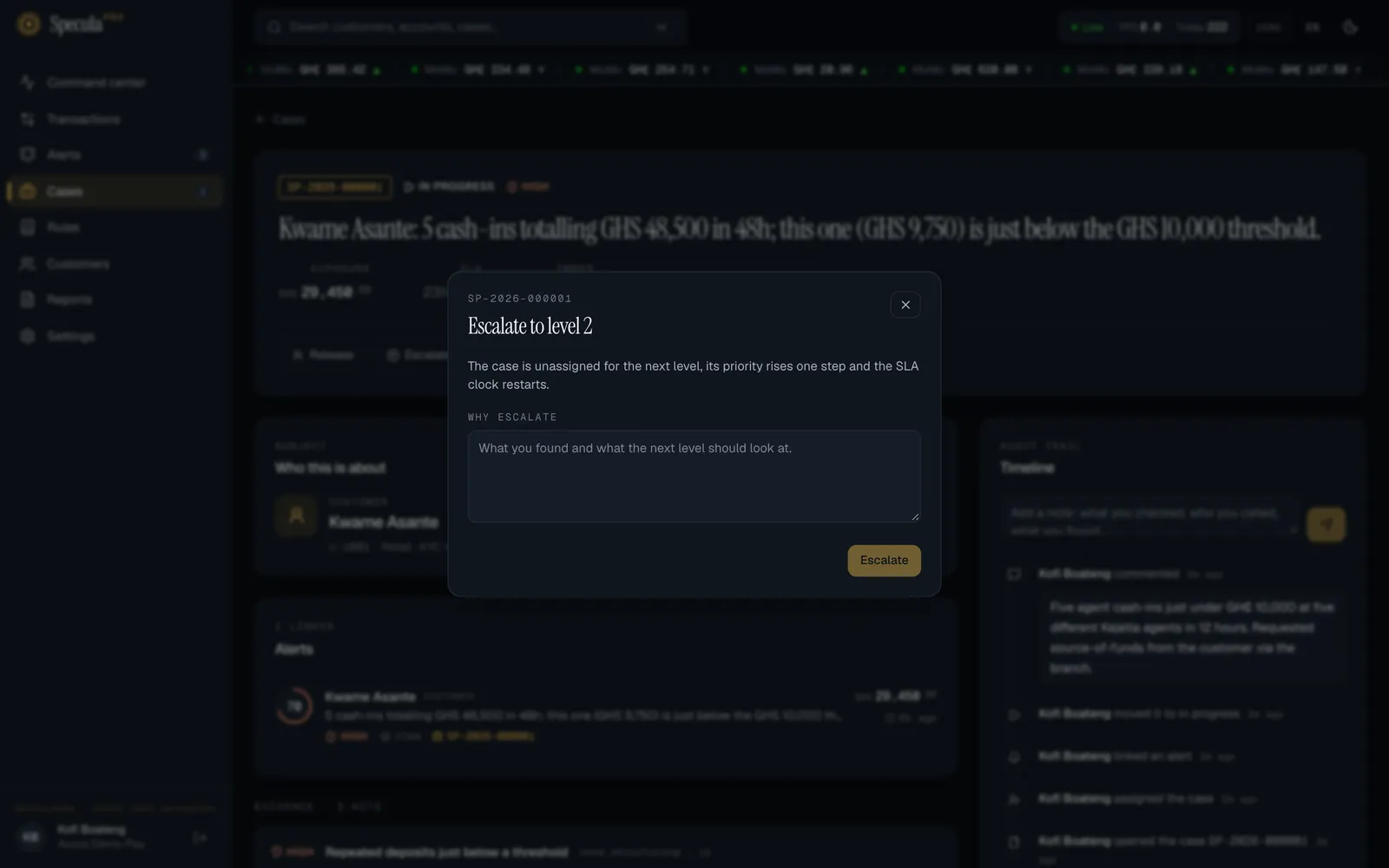
- Select Escalate. A panel titled Escalate to level 2 (or level 3) opens. It reminds you: The case is unassigned for the next level, its priority rises one step and the SLA clock restarts. When the case follows a policy, it reads instead: The case is unassigned and goes to the next level of the policy “…”: that level’s team, if it has one, and that level’s deadline. Its priority rises one step.
- Under Why escalate, write what you found and what the next level should look at. At least 3 characters are needed, but write enough for a colleague to pick it up cold.
- Select Escalate.
The Escalate button isn’t shown when the case is already at level 3, while it is awaiting approval, or once it is closed.
What changes
Section titled “What changes”| Before | After | |
|---|---|---|
| Level | 1 | 2 (or 2 → 3) |
| Priority | for example Medium | One step higher: Low → Medium → High → Critical. A critical case stays critical |
| Status | Open, In progress or Escalated | Escalated |
| Owner | You | Nobody, so someone at the next level can take it |
| Deadline | The old one | Restarted from now, using the new priority’s target (by default 4 hours for critical, 24 hours for high, 72 hours for medium). If the case’s policy gives the new level its own time, that time is used instead |
| Team queue | The queue it was in, if any | The team the case’s policy names for the new level. With no policy, or no team for that level, the case is in no team’s queue |
| Deadline missed marker | Shown if the old deadline had passed | Cleared, because the case has a new deadline |
The timeline shows, for example, Kofi Mensah escalated to level 2 · priority high, with your reason in the grey box beneath. The escalation is also written to the audit log.
The people at the next level are notified: the members of the new team when the policy names one, otherwise everyone who can close cases (level 2) or approve closures (level 3).
When a deadline is missed
Section titled “When a deadline is missed”SpeculaPro checks deadlines every minute. When a case that is open, in progress or escalated passes its deadline:
- the case shows a red Deadline missed marker beside its status and priority,
- the timeline shows The deadline of (date and time) was missed, with no person’s name, because SpeculaPro recorded it,
- the case’s owner, the members of its team and everyone who can approve closures are notified.
Each deadline is recorded once. Cases awaiting approval and closed cases are left alone.
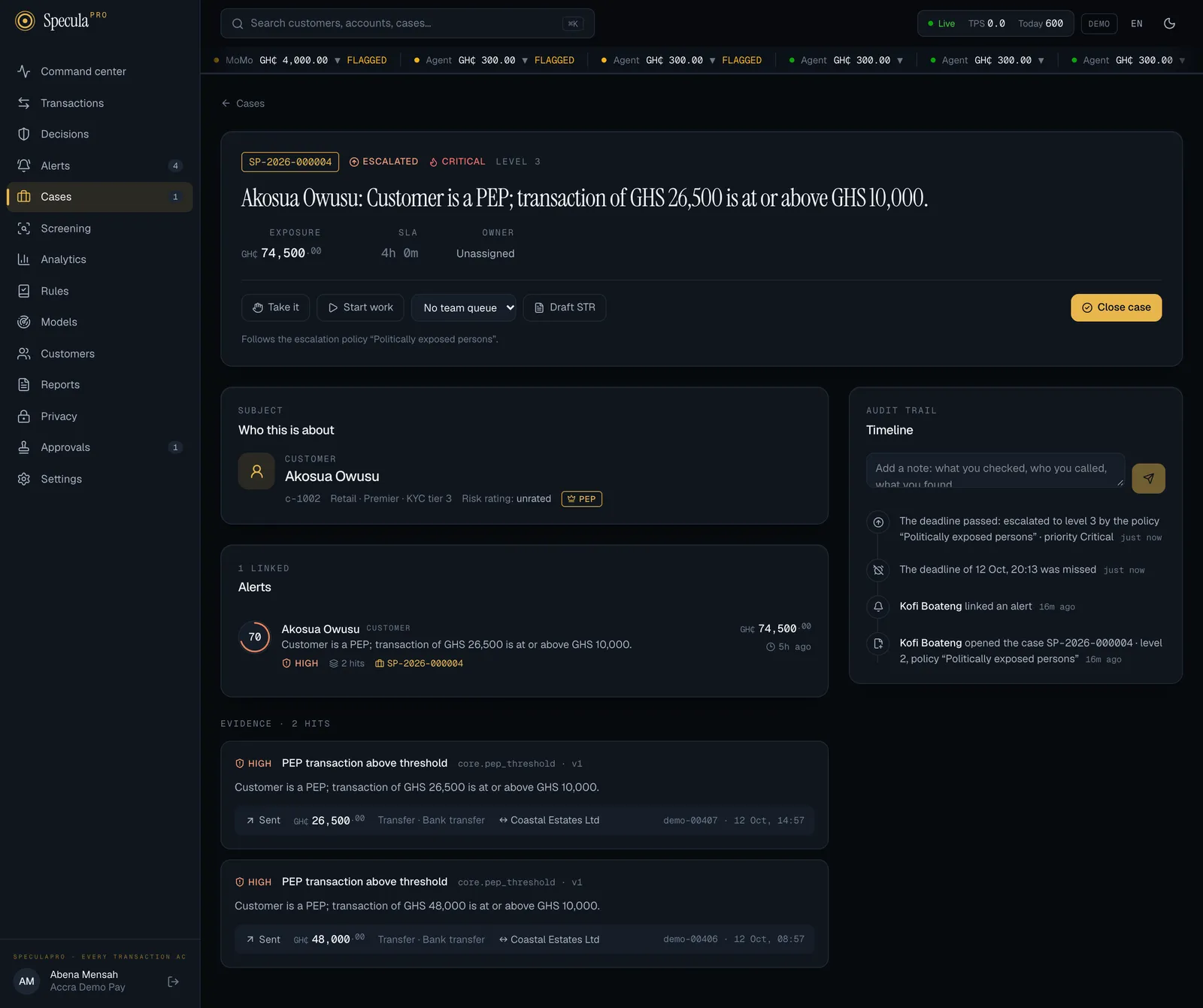
If the case follows a policy with automatic escalation and is below level 3, SpeculaPro then escalates it one level by itself, with the same effects as in the table above. The timeline shows The deadline passed: escalated to level 2 by the policy “…” · priority high, and the people at the new level are told that the case is unassigned and waiting. A case with no policy, or a policy without automatic escalation, stays where it is until someone acts.
Cases that open above level 1
Section titled “Cases that open above level 1”A policy can start a kind of case at level 2 or 3, for example cases about a politically exposed person. When you open such a case from an alert:
- it opens Escalated, at that level, unassigned. You are not its owner,
- it joins that level’s team queue, if the policy names a team,
- the people at that level are notified,
- its priority is the alert’s severity, as usual. Starting at a higher level doesn’t raise it.
The timeline shows, for example, Kofi Mensah opened the case SP-2026-000124 · level 2, policy “Politically exposed persons”. Add a note with what you saw on the alert, so whoever picks it up starts from it.
Team queues
Section titled “Team queues”Where your workspace has teams, a case can sit in one team’s queue. On the Cases screen the queue’s name appears under the owner, and the Team queue list filters to one queue (see Working a case).
How to put a case in a team’s queue
Section titled “How to put a case in a team’s queue”You need cases.work. The list is shown only when your workspace has at least one team, and not on a closed case or one awaiting approval.
- Open the case.
- In the row of buttons, open the Team queue list (it shows the current team, or No team queue).
- Choose the team. To take the case out of every queue, choose No team queue.
The change is saved at once. The owner keeps the case, its level, priority and deadline don’t change, and the team’s members are notified that a case has arrived. The timeline shows … put the case in the PEP desk queue or took the case out of its team queue.
A queue doesn’t restrict who can work the case: anyone with cases.work can still take it.
How to pick up a case escalated to you
Section titled “How to pick up a case escalated to you”- Open Cases and select the Unassigned tab. Escalated cases show the status Escalated and their level, for example level 2. If you belong to a team, choose My teams in the Team queue list to see only your teams’ cases.
- Open the case and read the escalation reason at the top of the timeline.
- Select Start work. You become the owner and the case moves to In progress.
Related
Section titled “Related”- Escalation and SLAs
- Escalation policies and Teams, for administrators
- Working a case
- Closing and approving
- Investigating an alert