
Reporting settings
Ce contenu n’est pas encore disponible dans votre langue.
In short
Section titled “In short”Settings → Reporting holds the values your financial intelligence unit (FIU) gives your institution for filing, and the rules for cash transaction reports. SpeculaPro uses them every time it checks or exports a report.
The page starts with a reminder that names your jurisdiction’s FIU and report format. In a Ghanaian workspace it reads: Reports go to Financial Intelligence Centre (FIC) as goAML XML. Your FIU gives you your reporting entity id and its lookup codes. The defaults below come from the workspace’s jurisdiction (Ghana): confirm every value with your FIU before your first filing. The cash threshold starts at the commonly cited GHS 50,000. A Nigerian workspace names the NFIU and both naira thresholds, a UEMOA workspace its CENTIF and the CENTIF format, and a workspace following Other country reads your financial intelligence unit (FIU) and names no threshold. Do exactly what it says: see Before you go live.
Your workspace’s jurisdiction gives the defaults: the report
format, the report codes, the lookup codes, the identifier type codes and the cash thresholds. For a
Nigerian workspace that means the NFIU’s codes and naira thresholds; for a UEMOA state, the CENTIF
codes (DOS, DTE) and the CENTIF declaration. A value you save here replaces the default,
and stays even if the jurisdiction changes later.
| Who | Needs | Default roles |
|---|---|---|
| See and change the settings | settings.manage or reports.approve |
Administrator, MLRO |
The Reporting tab only appears for people who can change it. Every save is written to the
audit log as reporting.settings, with every value before and after.
How to change the settings
Section titled “How to change the settings”- Select Settings, then the Reporting tab (
/settings#reporting). - Change what you need. Changes are held on the page until you save.
- Select Save changes, or Discard to throw them away.
If a value isn’t accepted, a red message beside the buttons says why, for example indicator code “STR 01”: letters, digits and _ . : - only.
Values you send are checked as sent: a CTR threshold below zero, or Days re-checked outside 1 to 31, is refused with an error rather than replaced by a default. Only settings you leave out are filled in with defaults. An empty CTR threshold counts as left out: it goes back to your jurisdiction’s figure, or stays unset where the jurisdiction has none.
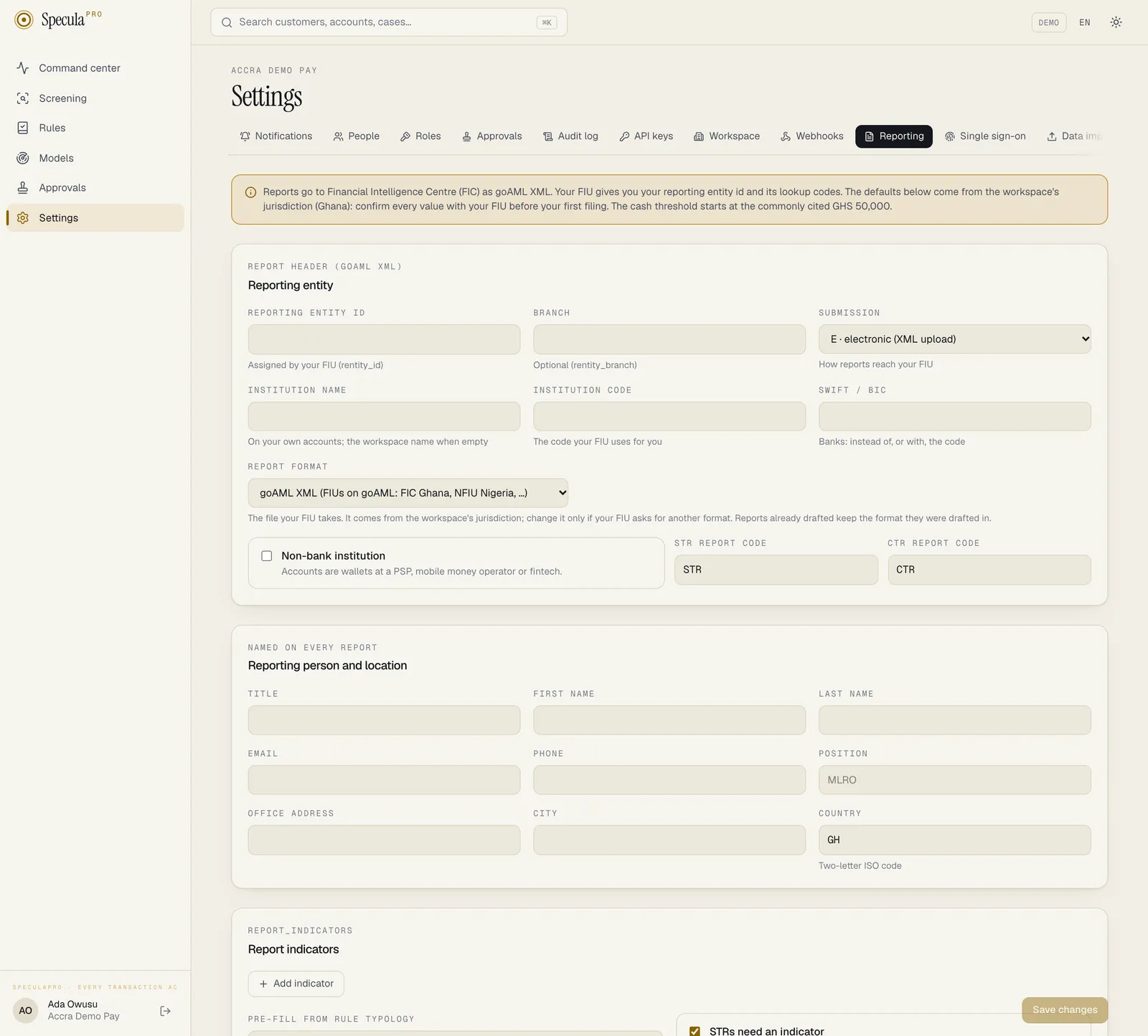
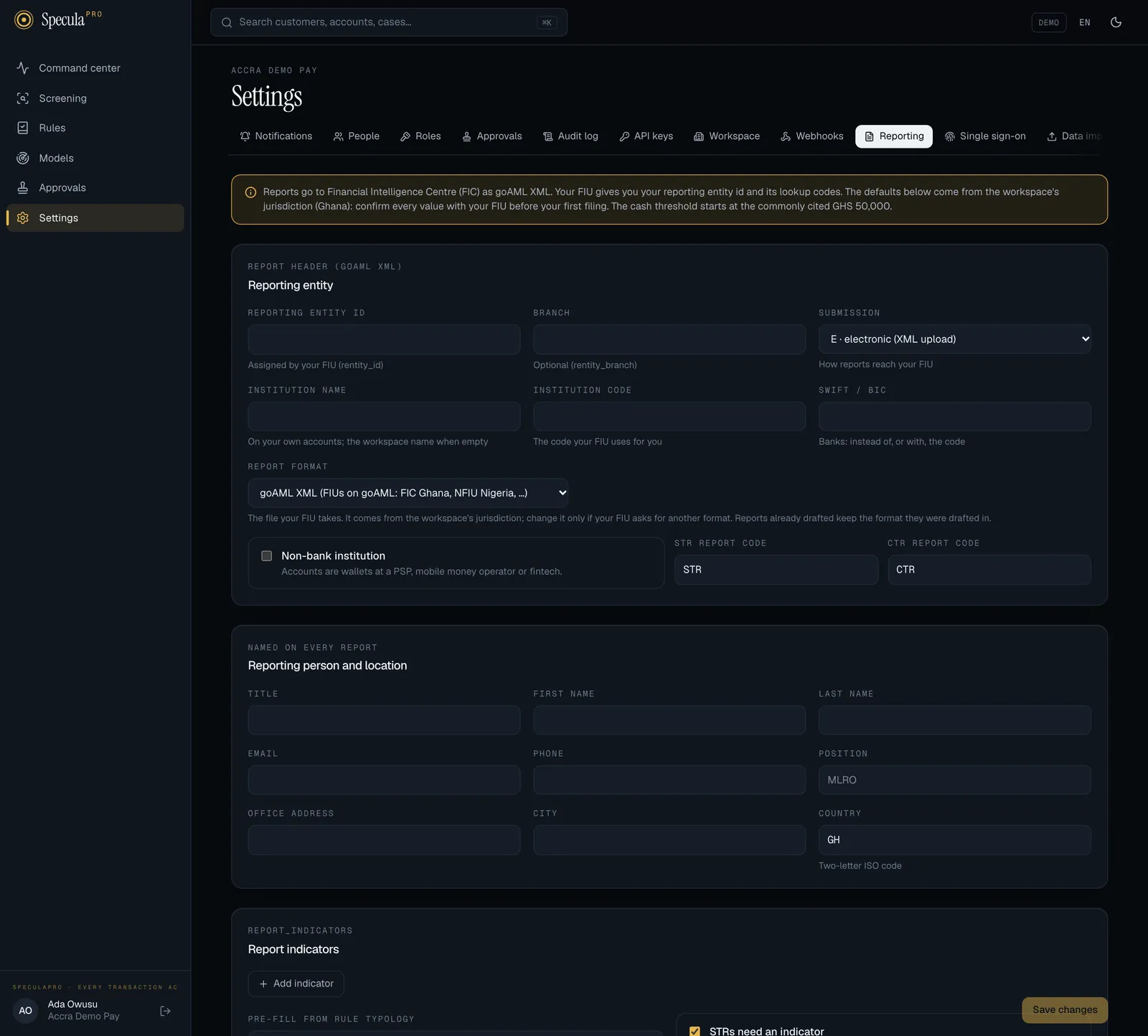
Reporting entity
Section titled “Reporting entity”The panel’s heading names your report format: Report header (goAML XML), or Report header (CENTIF declaration) in a UEMOA or Guinean workspace.
| Field | goAML element | What to enter |
|---|---|---|
| Reporting entity id | rentity_id |
The number the FIC assigned to your institution in goAML. Required: no report can be sent for approval, approved or exported without it, and CTRs can’t be switched on |
| Branch | rentity_branch |
Optional, up to 255 characters |
| Submission | submission_code |
E · electronic (XML upload) (the default) or M · manual |
| Institution name | institution_name on your own accounts |
Your legal name as the FIC knows it. When empty, the workspace name is used |
| Institution code | institution_code |
The code the FIC uses for you, up to 50 characters. Reports that include one of your accounts need this or a SWIFT/BIC |
| SWIFT / BIC | swift |
Banks: 8 or 11 letters and digits, instead of or as well as the code |
| Non-bank institution | non_banking_institution |
Switch on if your accounts are wallets at a PSP, mobile money operator or fintech |
| STR report code, CTR report code | report_code |
STR and CTR unless the FIC uses other codes. Up to 20 characters |
Report format
Section titled “Report format”Report format is the file your FIU takes. It comes from your workspace’s jurisdiction; change it only if your FIU asks for another format.
| Choice | The export makes |
|---|---|
| goAML XML (FIUs on goAML: FIC Ghana, NFIU Nigeria, …) | A goAML XML file to upload in goAML Web. See Filing with goAML |
| CENTIF declaration: printable form and XML (UEMOA, Guinea) | A ZIP file with a French declaration to print, sign and file, the same declaration as XML, and the XML’s schema. The layout is SpeculaPro’s own and unconfirmed with every CENTIF. See Filing with a CENTIF |
Reports already drafted keep the format they were drafted in. Only reports drafted after the change use the new one.
Reporting person and location
Section titled “Reporting person and location”Named on every report.
| Field | goAML element |
|---|---|
| Title, First name, Last name, Email, Phone, Position | reporting_person: the compliance officer who reports. Without a name, reports carry a warning: the FIC may require one (the warning names your own FIU) |
Office address, City, Country (two-letter code, such as GH) |
location: where reports are made from. When you fill in either the address or the city, fill in both |
The location’s address type is B (business). Town, postcode and region can be set through the
API only.
Report indicators
Section titled “Report indicators”goAML report indicators are the FIC’s codes for why a report is filed, such as a typology or a red flag.
- The list. Select Add indicator for each one, and enter its Code (letters, digits and
_ . : -, up to 64 characters, each code once) and what it means. Once the list holds codes, the report page offers them as switches, and a report can only use codes from the list. With an empty list, drafters type codes and any code is accepted. - Pre-fill from rule typology. One line per mapping,
typology or category = codes, for examplestructuring = STRUCTormule = MULE1, MULE2. When an STR is drafted from a case, it starts with the codes mapped to the typology, the category or the key of each rule that fired on the case. Once the list holds codes, every mapped code must be on it. - STRs need an indicator (on by default). An STR can’t be sent for approval without at least one indicator. It doesn’t apply to CTRs.
Cash transaction reports (CTR)
Section titled “Cash transaction reports (CTR)”| Field | What it does |
|---|---|
| Create CTR drafts | Switches the daily CTR drafts on or off. Off by default |
| Threshold · individuals, Threshold · businesses | The amount, in your base currency, that a customer’s cash for a day is compared with. The default comes from your jurisdiction: 50,000 each in Ghana, NGN 5,000,000 and NGN 10,000,000 in Nigeria, and XOF 15,000,000 each in the UEMOA states. Sierra Leone, Liberia, The Gambia, Guinea and Kenya start from unverified research figures: see the table and verify them with counsel before switching CTRs on. Other country sets none, so both start empty: see When no threshold is set |
| Report when the day’s cash is | At or above the threshold, or Above the threshold only. The default comes from your jurisdiction: above only in Nigeria, at or above everywhere else. See At or above, or above only |
| Days re-checked | How many completed days each check looks at, so late transactions are still counted: 1 to 31, default 3 |
| Add up a customer’s cash over the day | On: the day’s cash transactions are added together. Off: only single transactions that reach the threshold count. The default comes from your jurisdiction: on everywhere except Nigeria, where the threshold applies per transaction (for Sierra Leone, Liberia, The Gambia, Guinea and Kenya that is an assumption to verify with counsel) |
| What counts as cash | Lines of channel and transaction type. Select Add a cash rule to add one. At least one is needed to switch CTRs on |
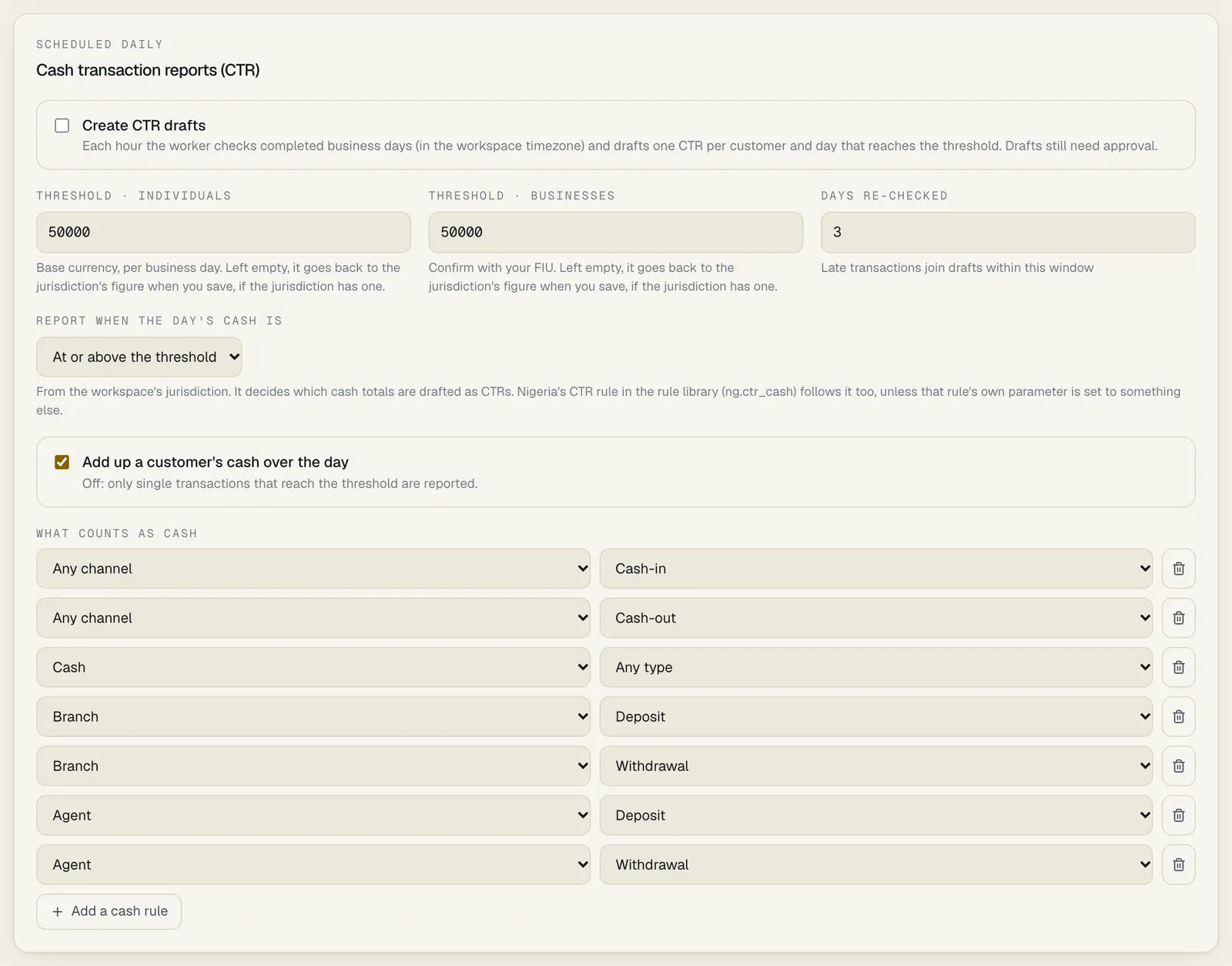
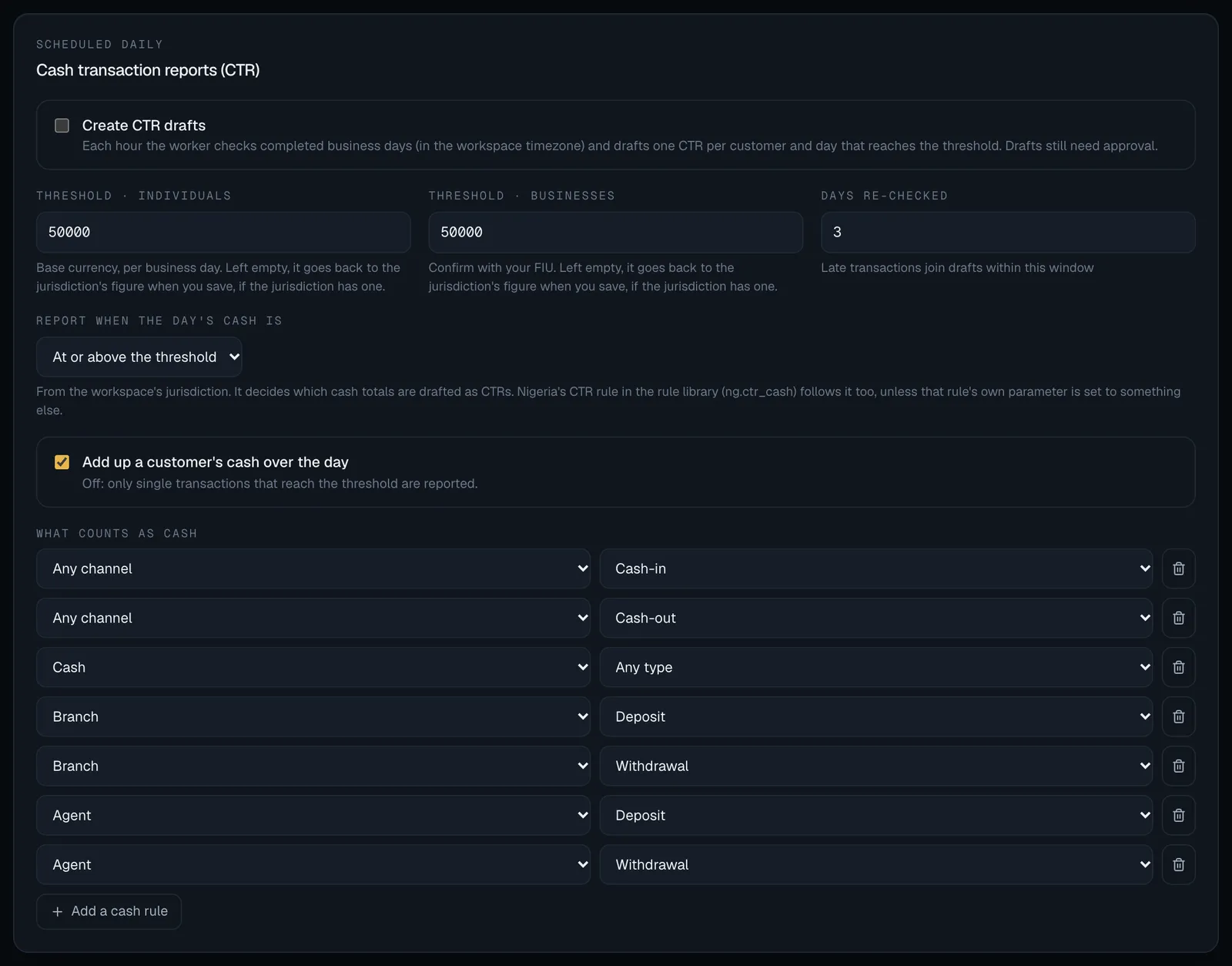
How they are used: Cash transaction reports.
At or above, or above only
Section titled “At or above, or above only”Laws word the cash threshold in two ways. Ghana’s and the UEMOA’s read as an amount of the threshold or more, so a day of exactly GHS 50,000 is reported. Nigeria’s reads as an amount in excess of the threshold, so exactly NGN 5,000,000 is not reported and NGN 5,000,000.01 is. Report when the day’s cash is follows your jurisdiction’s wording unless you change it.
When no threshold is set
Section titled “When no threshold is set”A workspace that follows Other country has no CTR threshold, because the FATF baseline defines none. The panel then shows: No CTR threshold is set. This workspace’s jurisdiction defines none, so CTR drafting is off: nothing is drafted, and it can’t be switched on, until you set a threshold for individuals and for businesses. Take the figures from your FIU or regulator.
Enter both thresholds, then switch Create CTR drafts on. Saving with drafts switched on and a threshold missing is refused: set the CTR thresholds for individuals and businesses before enabling CTRs (this workspace’s jurisdiction defines none).
You can’t save that combination, but a workspace can still arrive at it: drafting was on, the threshold came from the jurisdiction and was never saved, and the jurisdiction the workspace follows then changed to one with no threshold. SpeculaPro doesn’t let that pass quietly. The panel shows a red warning:
CTR drafting is switched on, but no CTR threshold is set, so no CTR is being drafted. This workspace’s jurisdiction defines none: set a threshold for individuals and for businesses below and save, taking the figures from your FIU or regulator.
Enter both thresholds and save, and drafting resumes at the next run. Your operator also sees an error in the worker’s log for that workspace, repeated every six hours until it is fixed.
If you empty a threshold field in a jurisdiction that has a figure, the hint under the field says so: Left empty, it goes back to the jurisdiction’s GHS 50,000 when you save. An empty field never means “no threshold” there.
Lookup codes
Section titled “Lookup codes”The panel is headed Lookup codes with your report format in brackets, for example Lookup codes (goAML XML). Under Advanced, these map SpeculaPro’s words onto the FIC’s goAML codes. The defaults come from the generic goAML tables; confirm each with the FIC.
| Field | Used for | Default |
|---|---|---|
| Funds · cash | from_funds_code / to_funds_code for cash |
K |
| Funds · account | The same, for money from or to an account or wallet | A |
| Default conduction | transmode_code for channels not listed below |
C |
| Contact type | tph_contact_type of customers’ phone numbers |
P |
| Mobile phone type | tph_communication_type of customers’ phone numbers |
M |
| Account holder role | role of the customer as signatory on their own account |
A |
| Channel → conduction type | transmode_code per channel, one channel = code per line |
agent = A, atm = B, branch = A, cash = A |
| ID type → identifier type | identification type per ID type |
ghana_card = B, passport = C, drivers_licence = A, voter_id = O, tin = O, company_reg = O, other = O |
| Account status → status code | status_code of accounts |
active = A, frozen = B, dormant = C, closed = D |
Channels, ID types and account statuses must be SpeculaPro’s own values, the ones your systems send (see Sending data). A line you delete stays deleted, even if it was a default. What happens to a value that has no line:
- a channel gets the Default conduction code;
- an ID type is reported as a plain ID number instead of a typed identification;
- an account status is left out of the account.
A passport is always also reported in the passport fields.